
Show Line Numbers with Vi
Show Line Numbers with Vi
This is a fairly common task. Usually when you are configuring an application, you will get something that says like “now go to line 293 and change this word….” if you are only counting by hand, that’s quite a goal to accomplish. Here’s the quick and easy way
this can be done logged in as any user

let’s edit the sample file OffsiteBackup.sh

as you can see there are many lines in this script
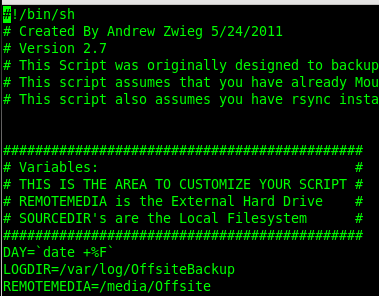
Let’s hit our magic keys, CTRL+C

you should notice the above appear at the bottom of you screen
from here enter :set nu, and hit enter

there we have it, line numbers in our VI window!
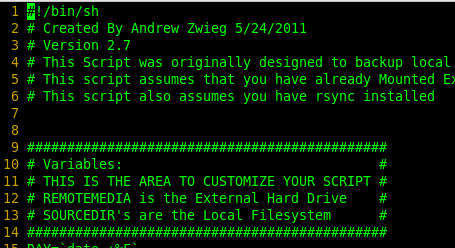
That’s it!
Hosted Linux Servers at www.zwiegnet.com/go
Related guides: find shared libraries for binary ldd · Downgrade package CentOS 6 · Developing Applications for RHEL/CentOS
1 Comment