
Mount NFS Share Linux Mint
Mount NFS Share Linux Mint
Need to mount a NFS Share on Linux Mint?
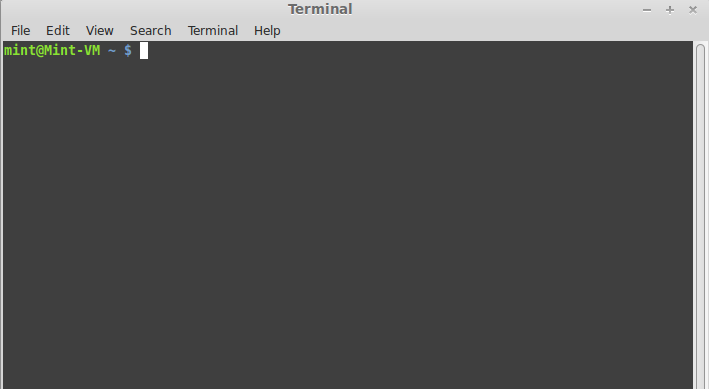
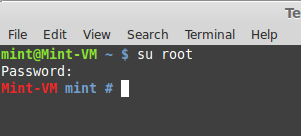
su to root
sudo apt-get install nfs-common
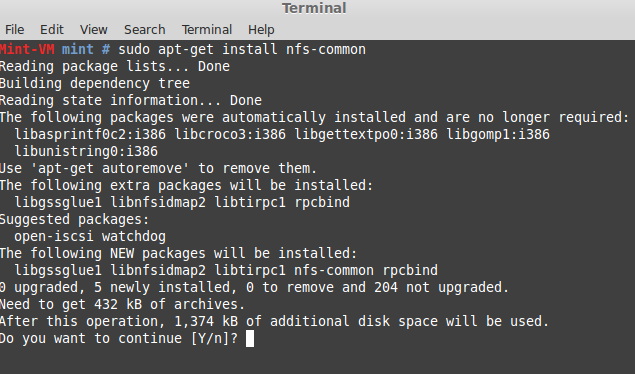
it will ask if you want to use the additional disk space, hit “y” and then enter
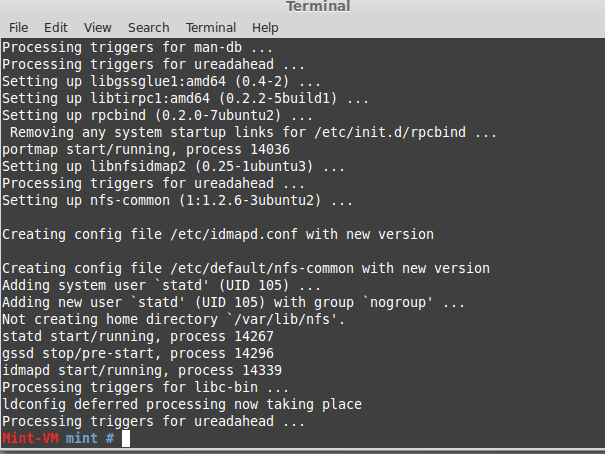
Done!
now we have to set it as a filesystem that will mount after a reboot
edit /etc/fstab file by the following command:
nano /etc/fstab
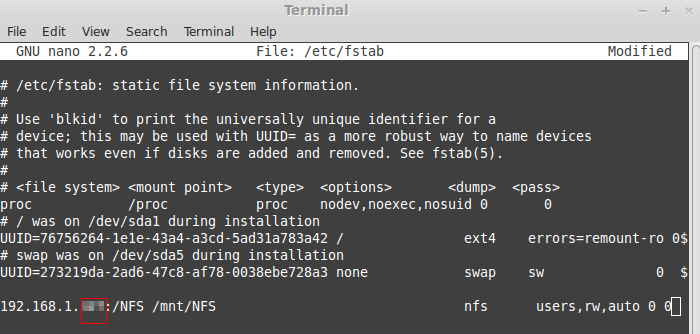
now we just need to make a folder to mount it to
mkdir /mnt/NFS
once the directory is made, all we have to do is mount it!
mount -a
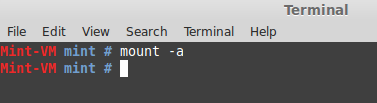
if it returns an error, check that what you have typed in your /etc/fstab is correct, you have the directory created, NFS is running on the server, and that you install nfs-utils
from here we can change to the /mnt/NFS Directory by doing:
cd /mnt/NFS
and then “ls” to list folder structure
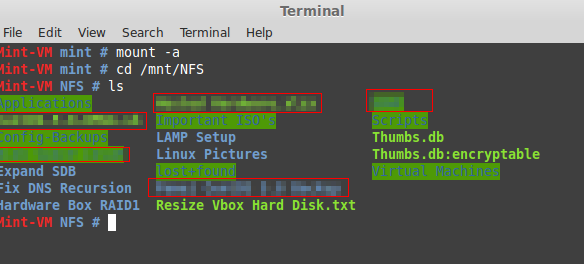
as you can see we can see the information in the NFS Share
all we have to do is make a shortcut on the desktop called a “sym link”
ln -s /mnt/NFS /home/mint/Desktop
(edit for your username)
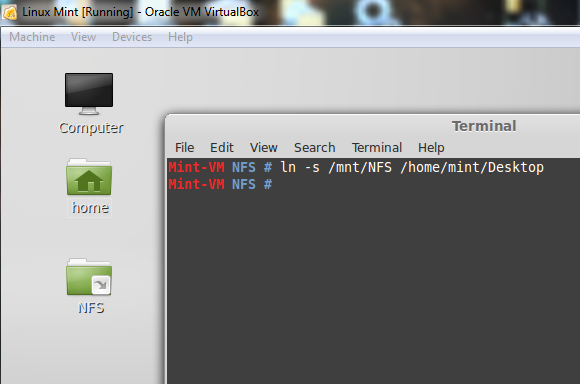
as you can see the command ran successfully, and we now have a shortcut!
That’s it, if you are interested in Linux solutions, visit www.zwiegnet.com/go today to get started