
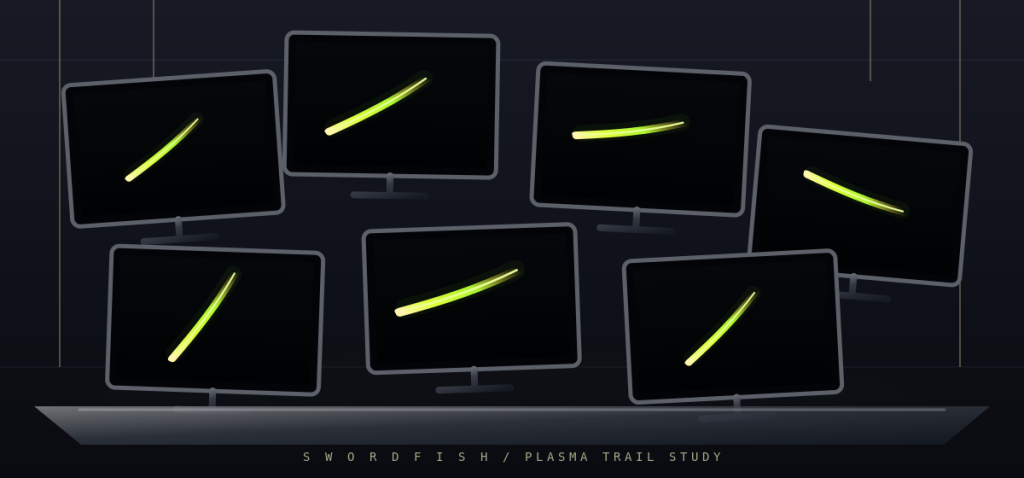
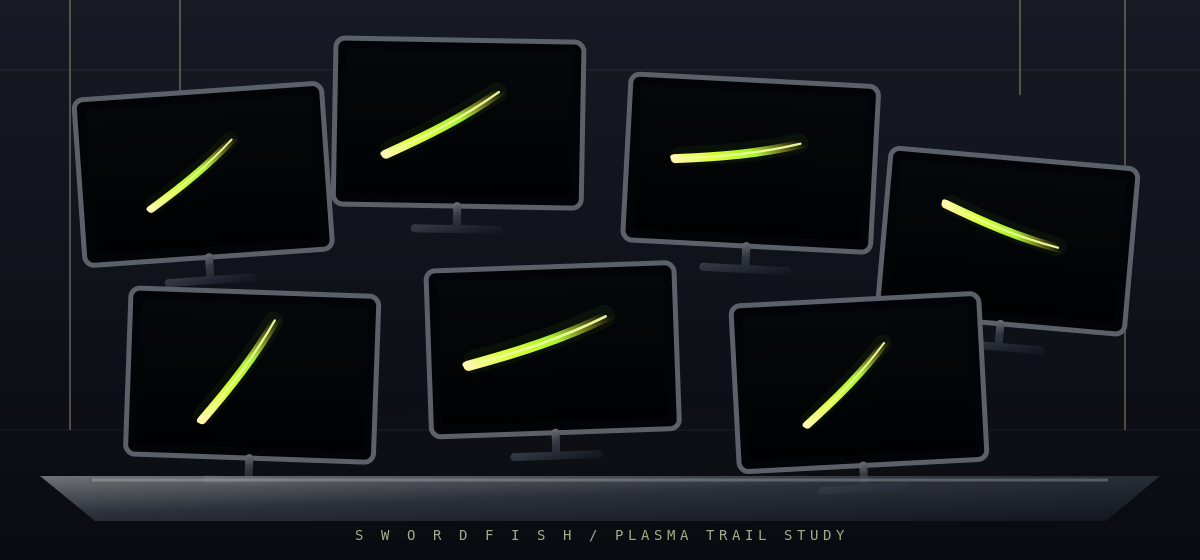
If you have ever wanted a wall of monitors to glow like a hacker movie set, Swordfish Screensaver is for you. It is a new open source C++ project, licensed under the GPL, that draws a green plasma beam sweeping in one huge circle across all of your monitors at once. It builds on AlmaLinux 10 and other Linux distributions, and the project’s CI also produces a Windows x64 build.
What Swordfish Screensaver is
The project describes itself as an independent, cross-platform animated plasma screensaver for Linux and Windows. The name nods to the multi-display plasma look from the 2001 film Swordfish, but everything on screen is generated by the program’s own code. No movie footage, frames or logos are used. The README also states that the project is not affiliated with, endorsed by or sponsored by any film studio or rights holder.
The current version is a 0.2.0 development build. It is a standalone program you launch yourself. It does not yet hook into your desktop’s idle or lock-screen service, so it will not start on its own after the screen sits idle. That integration is on the roadmap, and there is already an open pull request for launching it on idle under KDE on X11.
Features
- One animation across every monitor. The beam travels around a single large circle that spans the whole virtual desktop. Each monitor draws only its own slice of that circle, so the beam passes smoothly from one screen to the next.
- Direction changes. The beam switches between clockwise and counter-clockwise motion.
- Splitting pulses. Every so often the single beam splits into two and then four synchronized pulses, and then merges back into one.
- Four green palettes:
classic(bright yellow-green, the default),lime,emeraldandteal. - Fullscreen, single-monitor or windowed modes, selected with command-line flags.
- Packaging: an RPM spec for AlmaLinux 10, plus GitHub Actions jobs that build Linux, Windows x64 and AlmaLinux 10 RPM artifacts.
How it works
The whole program is a single file, src/main.cpp. It is written in C++17 and uses SDL2 for windows and input and OpenGL (a 2.1 context) for drawing. When it starts, it asks SDL for the bounds of each connected display and joins them into one virtual-desktop rectangle. Then it opens one borderless fullscreen window with its own OpenGL context on each display.
Every frame, each window sets an orthographic projection equal to its own monitor’s position inside that shared coordinate space. Then they all draw the same scene from the same clock. The orbit is centered on the virtual desktop and has a horizontal and vertical radius of 43% of its width and height. Because every screen renders the same shape at the same moment, the beam lines up across monitor edges without any network or inter-process syncing.
The timing comes straight from the source:
- One full revolution takes five seconds.
- The beam reverses direction after every five revolutions, which is every 25 seconds.
- The pulses run on a 32-second cycle: one beam, then a split into two and then four, then a merge back to one.
- Each beam is drawn as a tapered arc trail in three layers: a wide, faint glow, a mid layer and a thin bright core. The head is a glowing dot drawn as stacked translucent circles. Additive blending (
GL_SRC_ALPHA, GL_ONE) makes the overlapping layers look like plasma.
Build and run on AlmaLinux 10
Install the compiler, CMake, Git, and the OpenGL and X11 development packages:
sudo dnf install -y cmake gcc-c++ git make mesa-libGL-devel \
  libX11-devel libXext-devel libXrandr-devel libXrender-devel \
  libXfixes-devel libXi-devel libXcursor-devel libXinerama-devel
Clone the repository and build it:
git clone https://github.com/azwieg103/swordfish-screensaver.git
cd swordfish-screensaver
cmake -S . -B build -DCMAKE_BUILD_TYPE=Release
cmake --build build --parallel
CMake looks for a system SDL2 first, using its CMake config or pkg-config. If it finds none, which happens on some EL10 installs, it downloads the pinned SDL2 2.30.11 release and builds it as a static library. That means the first configure needs internet access.
Start with a windowed preview:
./build/swordfish-screensaver --windowedLeave out --windowed to run fullscreen on every connected monitor:
./build/swordfish-screensaverCommand-line options and controls
./build/swordfish-screensaver --help
Usage: swordfish-screensaver [--windowed] [--monitor N] [--green classic|lime|emerald|teal]--windowed: open a resizable preview window (1100×650).--monitor N: limit fullscreen to one display. N is zero-based, so--monitor 1is your second screen.--green classic|lime|emerald|teal: choose the beam color.- Esc or Q quits, and F toggles fullscreen.
Try out the palettes:
./build/swordfish-screensaver --windowed --green classic
./build/swordfish-screensaver --green lime
./build/swordfish-screensaver --green emerald
./build/swordfish-screensaver --green teal
Build an RPM on AlmaLinux 10
The repository ships packaging/swordfish-screensaver.spec, which installs one binary, /usr/bin/swordfish-screensaver. Run these commands from the repository root:
sudo dnf install -y rpm-build rpmdevtools
mkdir -p ~/rpmbuild/{BUILD,BUILDROOT,RPMS,SOURCES,SPECS,SRPMS}
git archive --format=tar.gz --prefix=swordfish-screensaver-0.2.0/ HEAD \
  > ~/rpmbuild/SOURCES/swordfish-screensaver-0.2.0.tar.gz
cp packaging/swordfish-screensaver.spec ~/rpmbuild/SPECS/
rpmbuild -ba ~/rpmbuild/SPECS/swordfish-screensaver.spec
sudo dnf install -y ~/rpmbuild/RPMS/x86_64/swordfish-screensaver-0.2.0-*.el10.x86_64.rpm
Once it is installed, run it from anywhere:
swordfish-screensaver --green emeraldAs with the source build, rpmbuild fetches the pinned SDL2 source if SDL2 development files are not installed. The roadmap notes that version 0.1.0 of the RPM was built and tested on AlmaLinux 10.2.
Other Linux distributions and Windows
The Linux CI job builds on Ubuntu 24.04, using cmake g++ git libgl-dev and the matching libx*-dev packages, and smoke-tests the binary with --help. The same CMake steps should work on any distribution where you can install those packages.
For Windows, a GitHub Actions job builds an x64 binary with Visual Studio and vcpkg. It packages swordfish-screensaver.exe with SDL2.dll into swordfish-windows-x64.zip. Tagged releases are set up to attach that ZIP along with the AlmaLinux 10 RPMs. No release has been published yet, so for now you build from source. Keep an eye on the Releases page.
Roadmap
According to the README, the concept art, the SDL2/OpenGL source, the CMake build, a tested AlmaLinux 10.2 RPM and the CI definitions are done. Still to come:
- Testing 0.2.0 multi-monitor behavior on physical displays
- Checking that all hosted CI jobs pass
- Publishing RPM and ZIP release assets
- Native screensaver and idle integration for KDE and Windows
License
The source code is GPL-3.0-or-later, and the concept artwork is CC0 1.0. The project asks contributors not to add movie screenshots, clips, logos, soundtrack or code from unrelated screensavers.
Try it, star it and contribute
If you run multiple monitors on Linux, try it out and watch the beam travel from screen to screen. Then head to github.com/azwieg103/swordfish-screensaver and give it a star. Issues and pull requests are welcome. If you report a bug, include your OS version, GPU and driver, build logs and the steps to reproduce it. Multi-monitor test reports on real hardware are especially useful right now.
Related: FreeBSD Co-Founder Jordan Hubbard Releases Daemonarchy, an Omarchy-Style Desktop for FreeBSD and Linux Desktop Use Surged To 22% On One Workday, Cloudflare Data Shows