
Create Message Of The Day Startup Banner CentOS
To create a custom start-up message that displays after login, do the following:
Open a terminal session, and elevate privileges to root
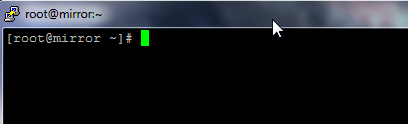
from here type the following command:
vi /etc/motd
type in what you would like it do display

save and quit by using
ctrl+c
:wq
from here close your terminal session, and re-open

as you can see, the text added to the config file has been displayed.
to get a Hosted Linux Server, or for a Linux consultant, visit www.zwiegnet.com/go to get more information
Related guides: Show Line Numbers with Vi | Patching and Installing Updates on CentOS