
Setting up NTP CentOS 6
if you have not yet run a “yum update” go ahead an do so on your system. If you are having problems with a yum update, issue the command:
yum clean all
now to install ntp (network time protocol) the service that keeps the time on your system perfectly in sync with network/global time issue the following command:
yum search ntp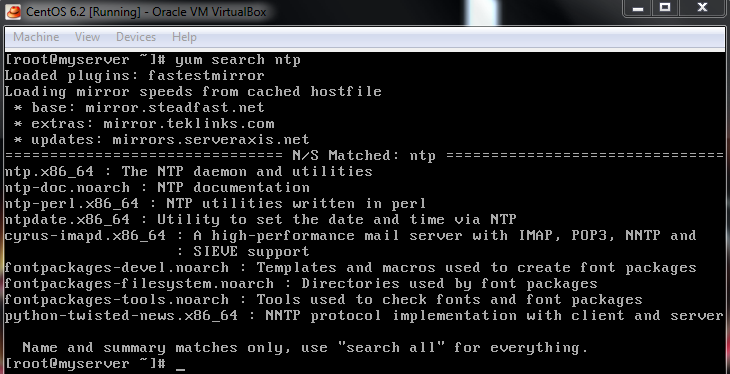
as you can see these are the packages available for NTP, we are going to install ntp.x86_64 to do so enter this command:
yum install ntp.x86_64
hit yes if prompted
then issue this command to start ntpd:
service ntpd start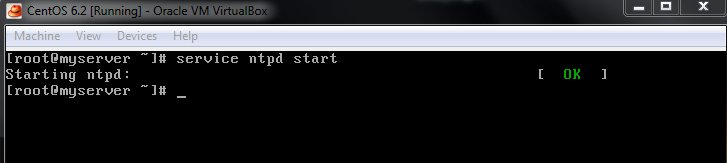
to make sure that the service also starts on startup, issue this command:
chkconfig ntpd on

you will be returned to the # sign when completed
(optional step to tweak performance) to Edit the setting of ntp type the command:
vi /etc/ntp.conf
now we just need to do an initial sync of the NTP server by issuing the following command:
service ntpd restart
Every time the ntp server is restarted, it syncronizes.
There you have it! Linux Box setup with NTP to sync, and load on startup!
for a hosted Linux server visit www.zwiegnet.com
Related guides: Configure NTP Server CentOS/Redhat/Oracle Linux | Moving Windows NTP Server