
result 32: no such object, ldapsearch -x empty database
result 32: no such object, ldapsearch -x empty database
I first noticed this issue when building a Fresh LDAP server for blogging, Fortunately it was not an “emergency” build, otherwise i would have been SOL. Slapd 2.4.23 version made some changes to LDAP on CentOS 6
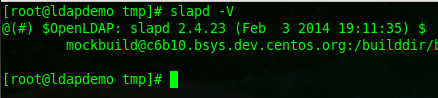
In this case, we do a ldapsearch -x, and noting comes up in the database, even though everything works with phpLdapAdmin for some reason. Wierd, so what could the problem be?
su to root

cd to /tmp directory for LDAP Database Manipulation

so, as we know at this point, if we do “ldapsearch -x > ldapdb” nothing will show up, like the original screenshot
one thing to notice from the original screenshot:

the base is default, so if you specify what the default base is, you will be able to get the results you want

at this point we should vi our LDAP database and see if we have what we need in there

cool, so this gives us what we should normally see
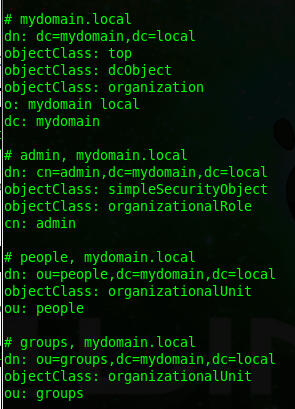
How do we fix this “long-term” so that we do not have to use the -b option every time? After all, that is alot of typing for a Linux Admin 
edit the following file:

Add the following line to the bottom of the config:

now save, and restart slapd

from here do another dump of the LDAP database the normal way

now vi the LDAP database to make sure all shows up correctly again

as you can see, it worked
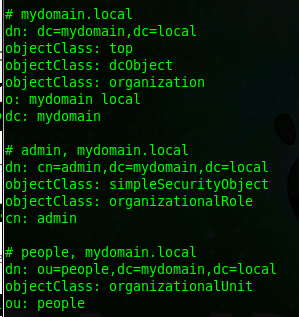
LDAP Break/Fix has been completed.
Hosted Linux Servers at www.zwiegnet.com/go
Related guides: Reset LDAP Password Command Line · Configure osTicket for LDAP Authentication
1 Comment