
Restart Zimbra Community Services CentOS 6
Restart Zimbra Community Services CentOS 6
There may be a time where restarting, stopping, or manually starting zimbra services is necessary. Here’s what you need to do:
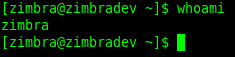
Login as the Zimbra User, or su (these commands will not work as root)
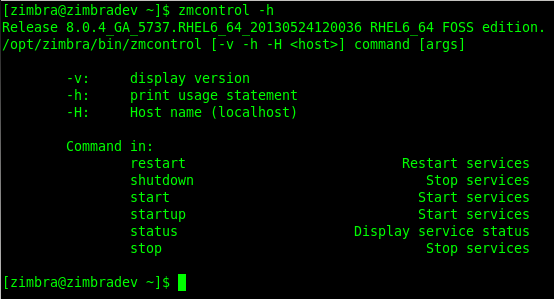
Usually the Best Place to Look first is the MAN Page, here’s how to see the basics on the command:
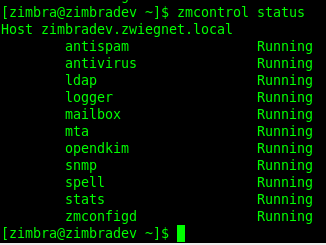
To View The Status Of Zimbra Services, issue the following command:
to Stop Zimbra, issue the following command:
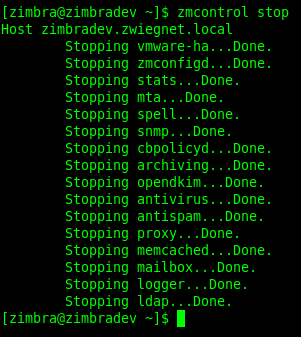
all services are stopped now.
To Start Zimbra Services, Issue the Following Command as the Zimbra User:
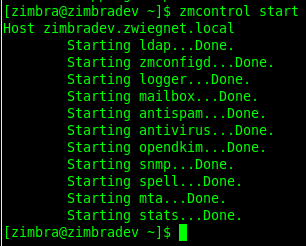
That’s it!
Hosted Linux Servers at www.zwiegnet.com/go
Related guides: Upgrade Zimbra Community Version CentOS 6 | Install Zimbra Community CentOS 6