
join computer to domain command line
joining a computer to a domain command line is something that without the introduction of server 2012 core, we need to start being aware how to make this all work.
if you have a computer that’s already setup and ready to go, open a command prompt or powershell window
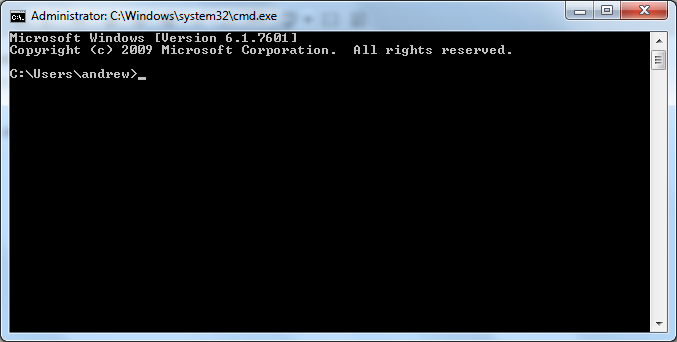
issue the following command (please modify for your AD Domain) the parts that you will need to customize is in bold
netdom join localhost /domain:myinternaldomain /userd:domainuseraccount /passwordd:S$uper$ecretP@ssw0rd
you should see the following once joined to the domain:

from there go ahead and reboot with the following command:
shutdown /r /t now
Related guides: Install Server 2012 Core | Find out what domain controller you are authenticating with
2 Comments