
Update Fedora Linux
Update Fedora Linux
Updating Fedora Linux can be as easy as a simple command, login and su to root

do yum update
This will retrieve a list of packages/dependencies that your system will need to be fully patched, go ahead and hit y
downloading……
Be aware of kernel updates

These are major system changes (and require a reboot to run the newest kernel) or unless you are using ksplice
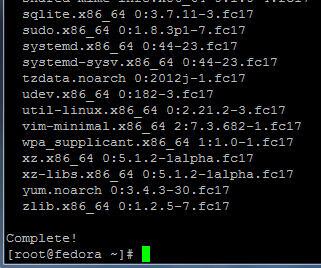
Installing…..
That’s It!
If you are interested in a hosted Fedora Linux Server visit www.zwiegnet.com/go to get started today
Related guides: Patching and Installing Updates on CentOS | Install Ksplice on Linux Mint