
Install Ksplice on Linux Mint
you may want to install Ksplice so that you never have to reboot on Linux, this is a wonderful software that adds to the quality of your Linux desktop
Ksplice applies security fixes to the running kernel in memory. Normally a kernel update only takes effect after a reboot; with Ksplice the patched code is swapped into the live kernel, so the machine stays up and is still protected. This guide uses the graphical Software Manager on an older Linux Mint release.
Prerequisites
- A Linux Mint desktop based on Ubuntu, where the ksplice package is in the repositories.
- An administrator account (Software Manager asks for your password before installing).
- Internet access, because Ksplice downloads its updates from the Ksplice service.
Step 1: open Software Manager
open up software manager on Linux Mint
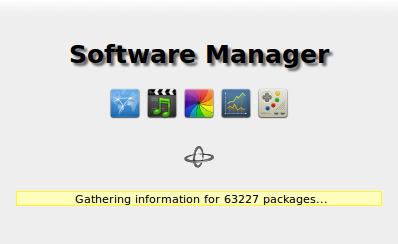
It reads the package lists first, then shows the category view.
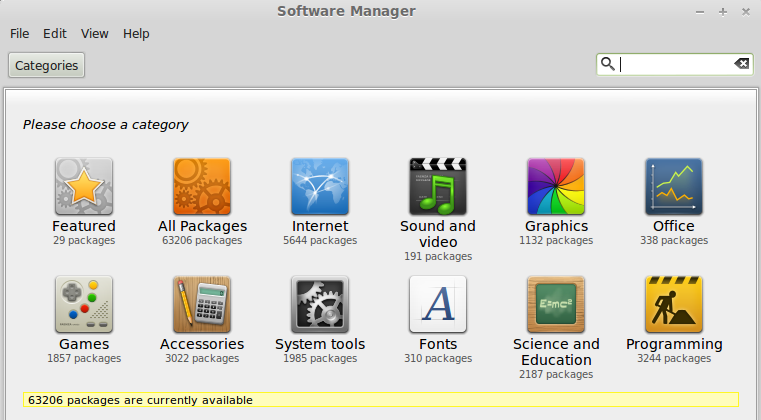
Step 2: search for Ksplice
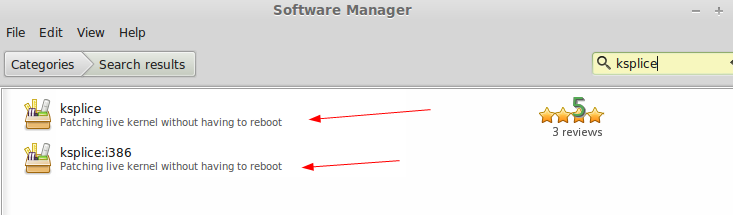
type in ksplice in the search area
Step 3: pick the right package and install
Select the top option if you are using 64-bit, and i386 for 32 bit
ksplice:i386 is the 32-bit build. If you are not sure which one you need, run uname -m in a terminal: x86_64 means 64-bit, i686 means 32-bit.
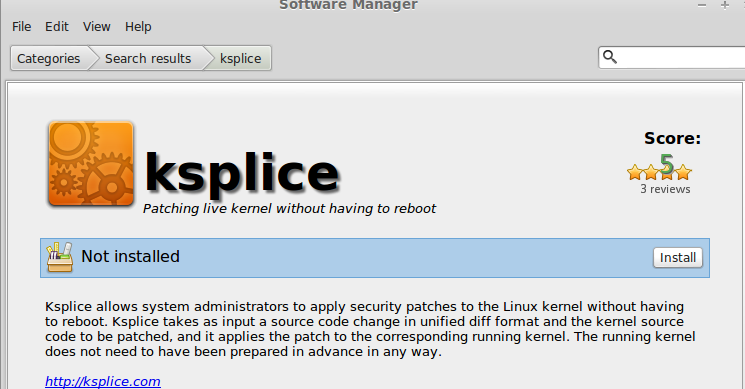
hit install
Again, this enables you to live-patch the Linux kernel without a reboot, this is the equivalent of upgrading windows XP to windows vista, WITHOUT REBOOT.
That comparison is a bit generous: Ksplice applies fixes, mostly security patches, to the kernel version you are running. Moving to a new kernel series or a new Mint release still needs a normal upgrade and a reboot.
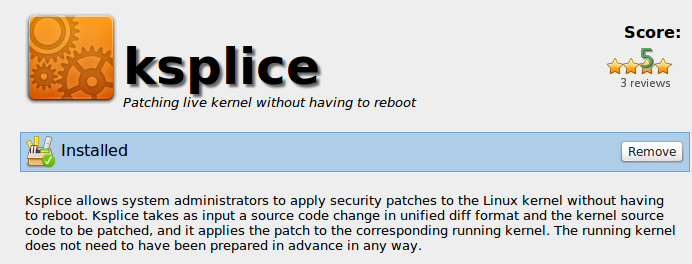
installed, that’s it!
Verify Ksplice is working
Ksplice installs the Uptrack client. In a terminal:
sudo uptrack-upgrade -y
uptrack-show
uptrack-uname -r
uptrack-upgrade downloads and applies any available updates, uptrack-show lists the updates applied to the running kernel, and uptrack-uname -r prints the effective kernel version including those patches (plain uname -r keeps showing the version you booted).
Troubleshooting
- The package is not found: newer Mint releases no longer carry it. Update the package list first (
sudo apt update) and search again, or use one of the alternatives below. - No updates are applied: Ksplice only has patches for supported kernels. If you run a custom or very new kernel, there is nothing for it to apply.
- Remove it like any other package, from the same Software Manager page (the Remove button) or with
sudo apt remove ksplice.
Modern alternatives
Oracle bought Ksplice in 2011 and today it is mainly offered for Oracle Linux. For Ubuntu, the supported live patching service is Canonical Livepatch, and RHEL, AlmaLinux and Rocky Linux use kpatch. Whatever tool you use, live patching reduces reboots but does not replace them: reboot into new kernels during your normal maintenance windows.
To get a hosted Linux Server visit www.zwiegnet.com/go today!
Related guides: Mount NFS Share Linux Mint | Join Linux Mint to Windows Domain