
Setup CentOS IPv6
We all have to worry about this one, IPv6 is coming this way, the best thing to do is grab the bull by the horns and get used to this change.
let’s get started, open a terminal window, and issue the following command:
vi /etc/sysconfig/network
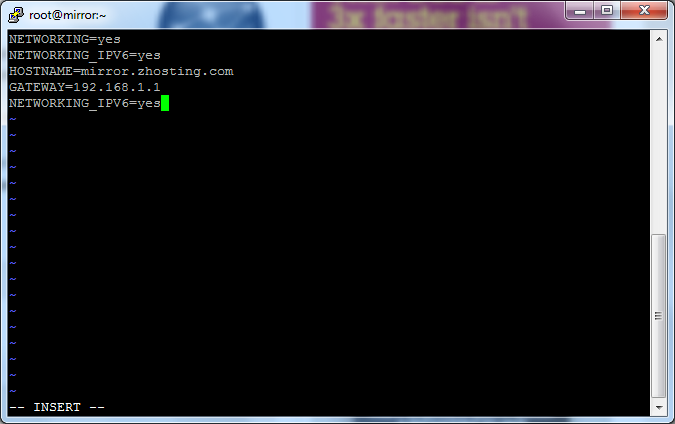
edit the config file and add the “NETWORKING_IPV6=yes” line to the config file.
Save and quit, now edit he next tile:
vi /etc/sysconfig/network-scripts/ifcfg-eth0 (or whatever interface you may be using)
add these 3 lines to the config file:
IPV6INIT=yes
IPV6ADDR=(add your IPv6 Address Here)
IPV6_DEFAULTGW=(add you IPv6 Gateway Here)
from there do a save+quit
restart network connections using the following:
service network restart
from there you are set, you can now use IPv6 for the Internet on CentOS
Related guides: Configuring Network CentOS 6 | Remove Old eth0 or eth1 from CentOS Linux
1 Comment