
Remove Old eth0 or eth1 from CentOS Linux
Remove Old eth0 or eth1 from CentOS Linux
In this scenario, we have a backup server, that has a BOND interface. One of the network cards ifcfg-eth1 has died. The device has since then been replaced, HOWEVER, we want our new NIC to be eth1 rather than eth2.
Login, and su to root

change to the following directory

copy the rule set to /root

remove the rule set and reboot (you will have to re-configure your network connections via KVM or directly after this next step)
once rebooted, get the MAC address of the new NIC

in this case, we have a BOND interface setup, so one of the MAC addresses stays the same, our network connection came back up, from here all i need to do is re-configure eth1 (used to be eth2)
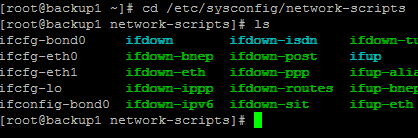
from here ifcfg-eth1, and now all i have to do is change the MAC address as necessary

from here i have to restart network connections
done!
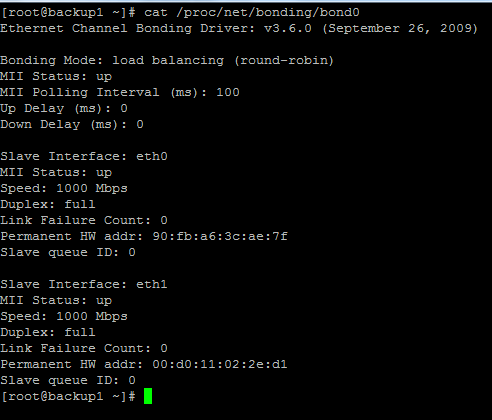
Bond Working Again!
That’s it!
Hosted Linux servers at www.zwiegnet.com/go
Related guides: Redundant NIC Configuration (bond) CentOS | Configure Bond Interface Oracle Linux 6