
script to map a share to windows
lots of users out there want to know how to script network shares, here’s one of the easist ways to get the job done
say for example you want everyone to have access to a share named “Music” on your SAN1 Server, here’s the formula to get the job done
open up a blank text file
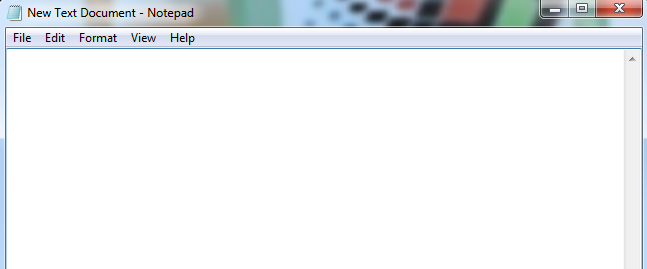
modify the following command as necessary for your environment:
net use x: \san1Music
(note the X represents the drive letter that it will map as)
from here once you have the basics filled in, go to “file” and “save as”
type the name, for this example i used “sweet-share-script.bat”
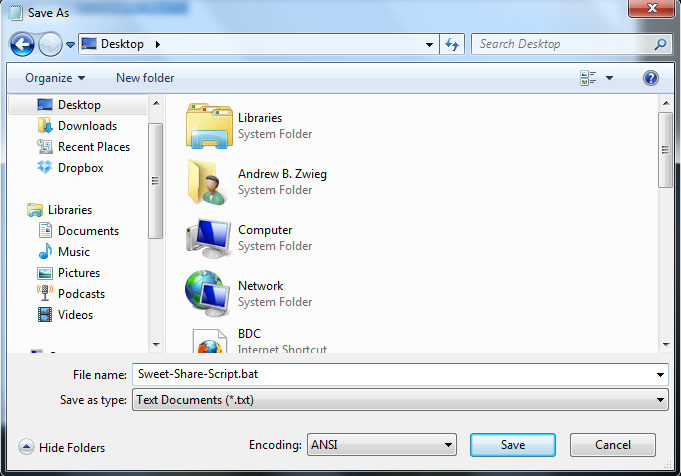
******it’s UBER important that you name it with the .bat, this will make it an executable file, if you name it the default, it will not work ********
as you can see, it shows up on the desktop, it’s not a txt file, it has a gear on it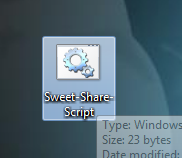
run the script, and see if it works, by browsing to your “my computer, or computer”
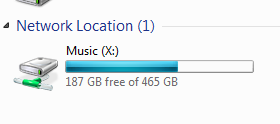
There you have it! Our script worked successfully
for more information, or to purchase more in depth scripts, visit www.zwiegnet.com/go
Related guides: Basic Windows Login Script | Map a network Drive Windows