
Investigate Account Lockouts in Active Directory
Tracking Down Account Lockouts
constantly getting locked out of your AD account can be stressful, and from time to time you may need to track it down, perhaps your account is being used by a service somewhere, or you are logged into a server, and didn’t log out since your last password change.
Account Lockout tools or “al tools” is the answer, and it can be downloaded for free from:
http://www.microsoft.com/en-us/download/details.aspx?id=18465
AL tools just needs a directory to extract into, you can either use your local computer, or a network share somewhere
Once extracted it should look like this:
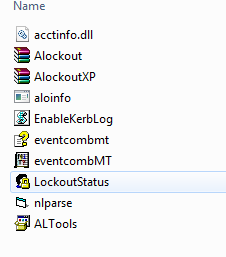
Go ahead and click on the “LockoutStatus” icon
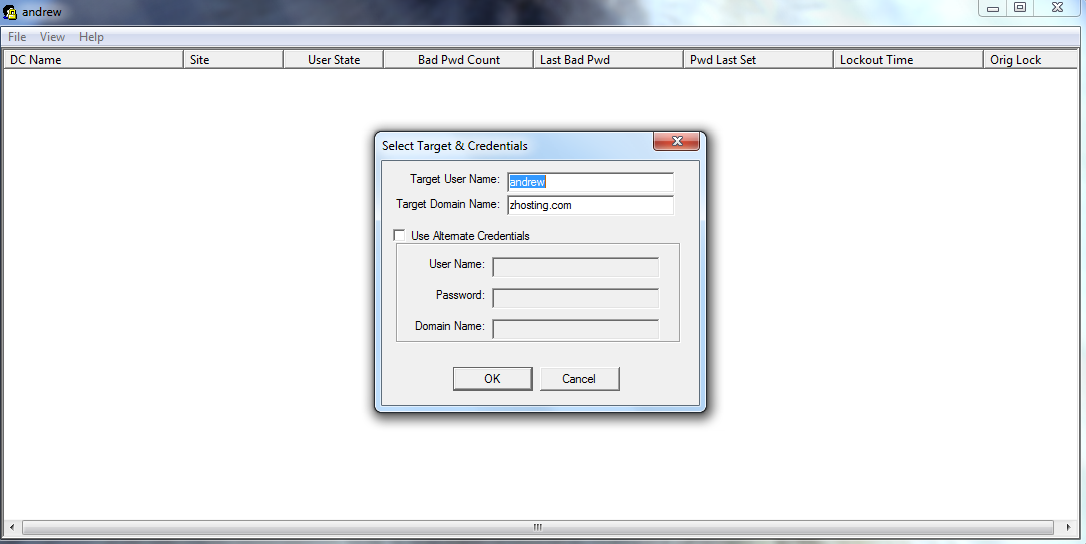
from there do a “file” and “select target”
here you can define the domain, and the account you are looking for, go ahead and hit “ok” once you have everything selected you may need
as you can see you can find out where the last domain controller was you were locked out on (not a big deal for small organizations, but for larger, it makes it easier to track down)

usually the FSMO server is shown as green, you can see when your last bad password was based on the field
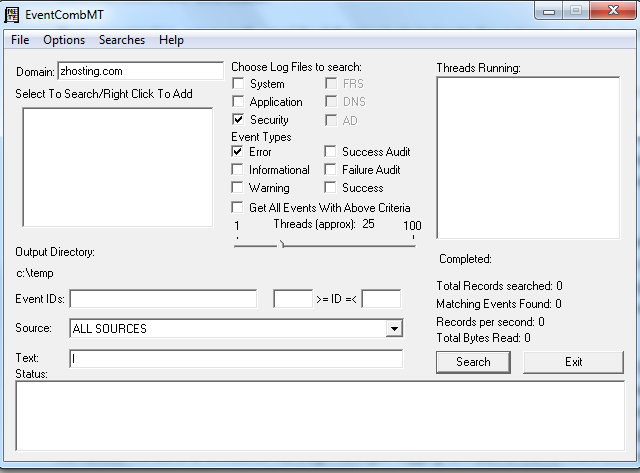
from here you can use the event comb to go through the events of servers until you find out what server/desktop is locking you out
That’s it! Thanks!
Related guides: Find out what domain controller you are authenticating with | Add User to Active Directory