
Install Hyper-V on Server 2012 Core
get your server all setup, with a static IP, fully patched, on the domain, Etc, and ready to install hyper-v
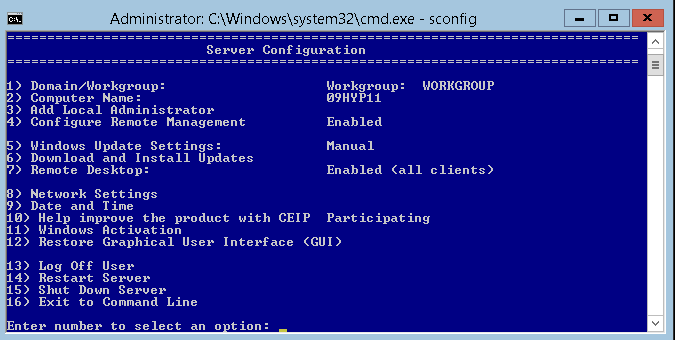
from there issue the following command to get into Server Config:
sconfig
Install Hyper-V With the following Command:
dism /online /enable-feature /FeatureName:Microsoft-Hyper-V
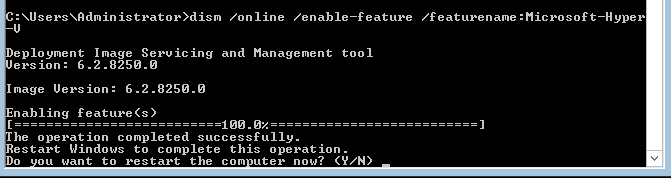
from there, BAM, Hyper-V is installed, go ahead and reboot, and connect with Either SCVMM, or Hyper-V Manager from a remote console
If you are interested in a hosted server 2012 Server visist www.zwiegnet.com/go today!
Related guides: Install Server 2012 Core | Enable Remote Powershell Access