
Install Windows Updates on Server Core
Install Windows Updates on Server 2012 Core
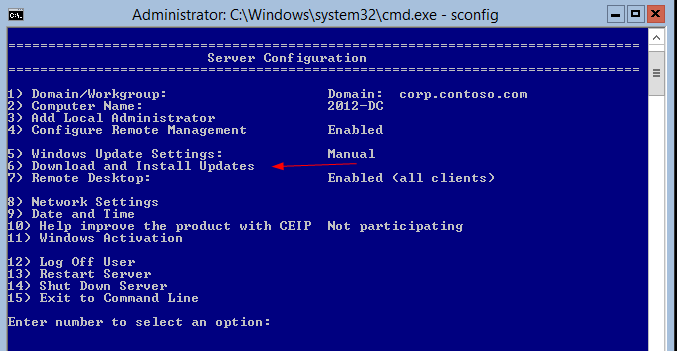
login as administrator, and open sconfig

Select option 6
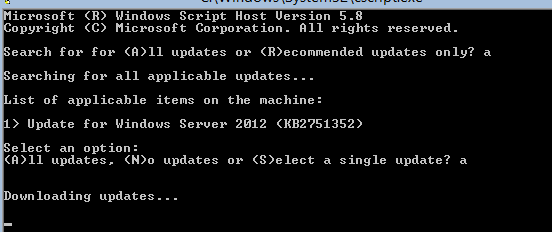
it will ask do you want to do all updates, or only reccomended?
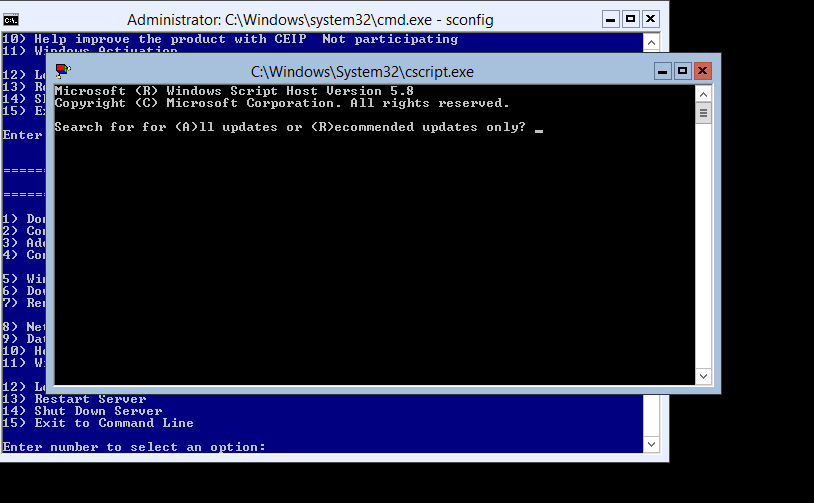
we usually do all
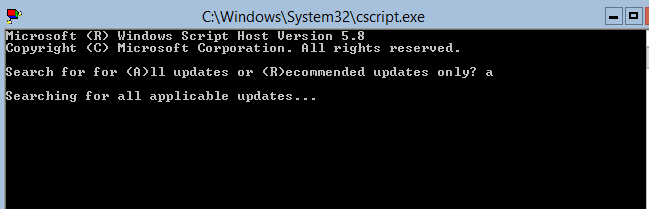
it’s going to take a second to check for updates
as you can see we have some updates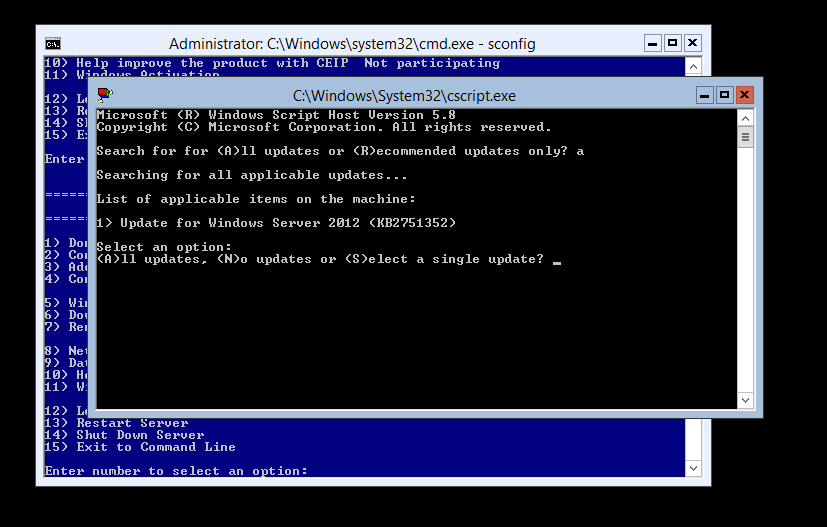
let’s select “A” to install all updates
it’s now downloading
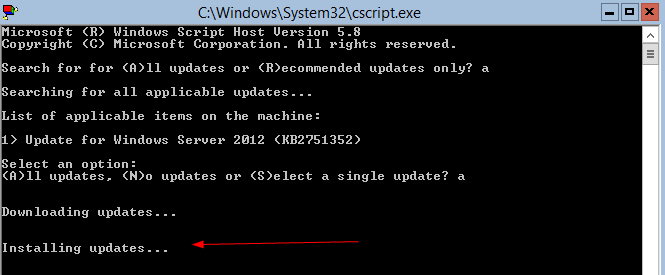
once downloaded, it should say installing updates
a restart may still be required (it’s windows, i know the command line has everyone excited)
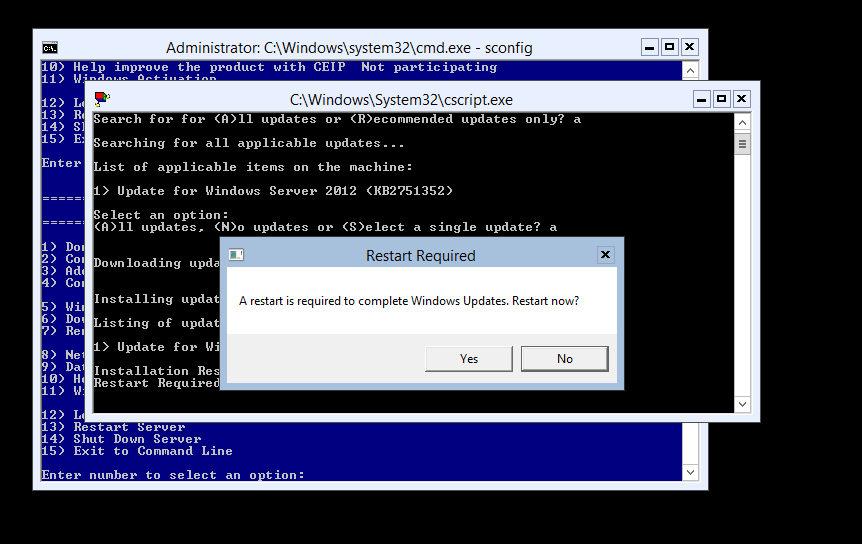
go ahead, and reboot, and should be good!
to get a hosted Windows Server 2012 instance, visit www.zwiegnet.com/go to get started today
Related guides: Install Server 2012 Core | Reboot Windows Server Core
1 Comment