
Install Apache on CentOS 6.4
Install Apache on CentOS 6.4
login and SU to root

issue the command: yum install httpd
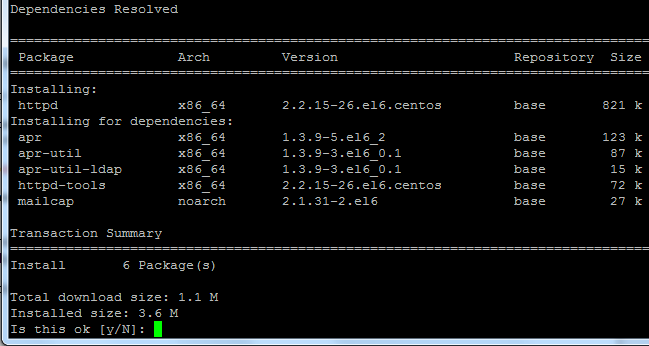
hit yes to download/install
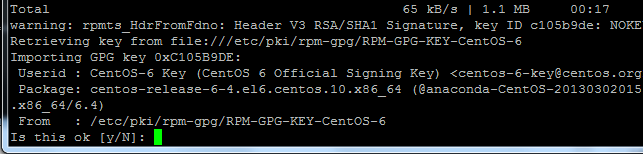
setup PKI Key by using the letter y and enter
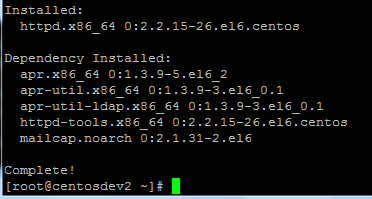
installed
now we need to start the service
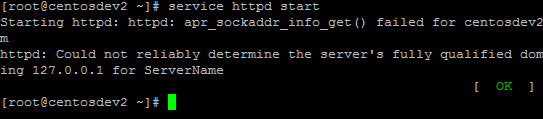
now we need to set the service to start on startup/reboot

done!
visit the url/ip for you server in a web browser to make sure apache is running
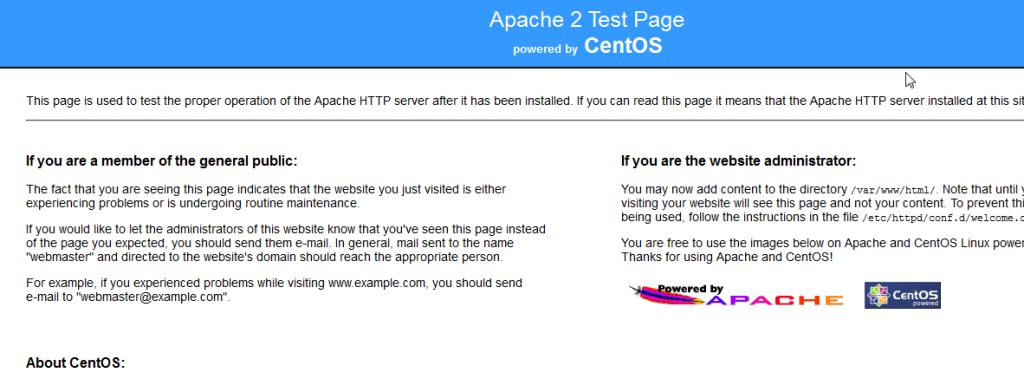

edit the main configuration file to your preference for one or many websites.
That’s it!
To get a professionally managed Linux Server visit www.zwiegnet.com/go to get started today
Related guides: Force Apache to Always Use HTTPS/SSL CentOS 6 | Setup Apache for Perl and CGI
1 Comment