
Expand a Filesystem on CentOS Linux
This is an example on the classic scenario as to how to expand /dev/sdb because you have ran out of space. You now have more space, you just have to tell the filesystem about it.
the first thing we need to do is un-mount the filesystem (otherwise a tragedy will almost certainly happen)
umount /mnt/SDB (or wherever sdb is mounted to) – note it’s “u-mount” not “un-mount”
once your filesystem is unmounted, we can proceed with the next steps
first we need to do a fileystem check /f for force
e2fsck -f /dev/sdb
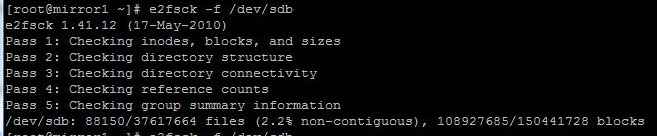
this will search from block 0, to the end, and find out there is more space oddly enough allocated to /dev/sdb
The manual specifies to run it twice or it will not work (i tried it just to see, no joke, you need to run it twice) 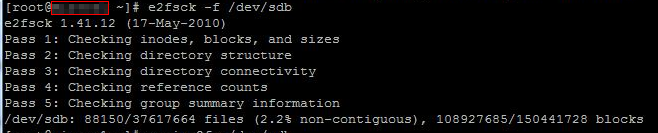
now we will run
resize2fs /dev/sdb to actually do the resize

it will say resizing to 4k blocks
Once completed it should then say “filesystem on /dev/sdb is now xxxxxxxxxx(will be different depending on how much space is added) Blocks Long
now if we do a df -h
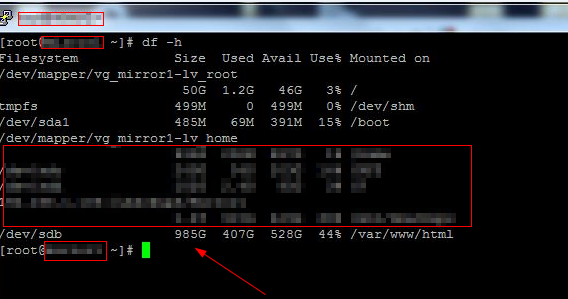
we can see that our filesystem has increased from 600GB to around 1TB
That’s it!
If you are interested in a hosted Linux Server Visit www.zwiegnet.com/go to get started today
Related guides: Add a Disk to LVM and Expand Space | Resizing a Physical Volume CentOS 6