
Configure SNMP on CentOS
Configure SNMP on CentOS
you more than likely will want to do this if you are doing any SNMP monitoring of memory, hard drive, uptime, etc
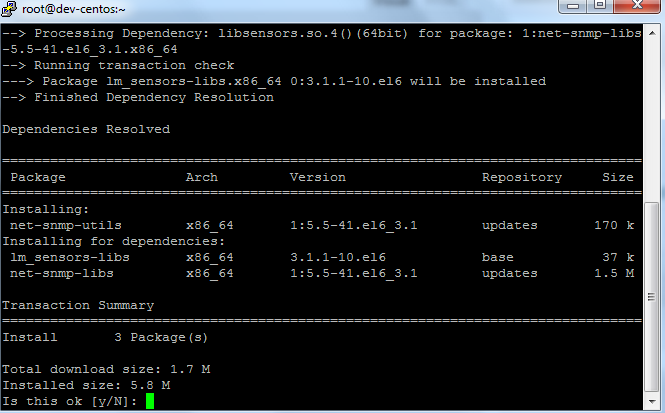
the first thing you want to do is install net-snmp-utils, use the following command to do so:
yum install net-snmp-utils net-snmp
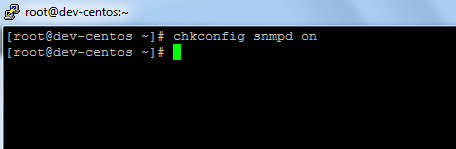
once installed, you need to set the service to run on startup, use this command:
chkconfig snmpd on
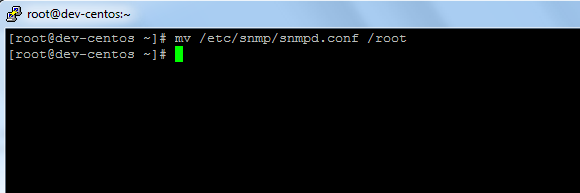
now move the original config to a backup location
mv /etc/snmp/snmpd.conf /root
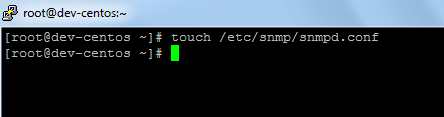
create a new SNMP config file
touch /etc/snmp/snmpd.conf
edit the file
customize it to your network needs, the important part is the rocommunity, this is your SNMP string
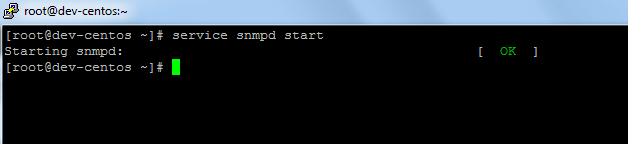
From there start the service
you should be good to start monitoring, check your monitoring software
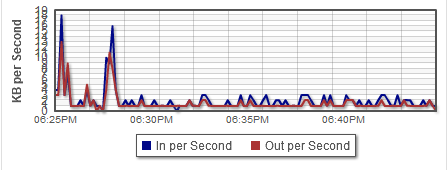
looks like we are good from our end.
That’s It! If you found this article helpful, please consider donating to keep the blog running
Related guides: Install SMART on CentOS 6.4 | Find Hard Drive IOPS CentOS
2 Comments