
Forward Email Exchange 2010
Forward Email Exchange 2010
classic scenario, you need to forward email, what do you do?
Log Into Exchange Management Studio (also known as EMC)
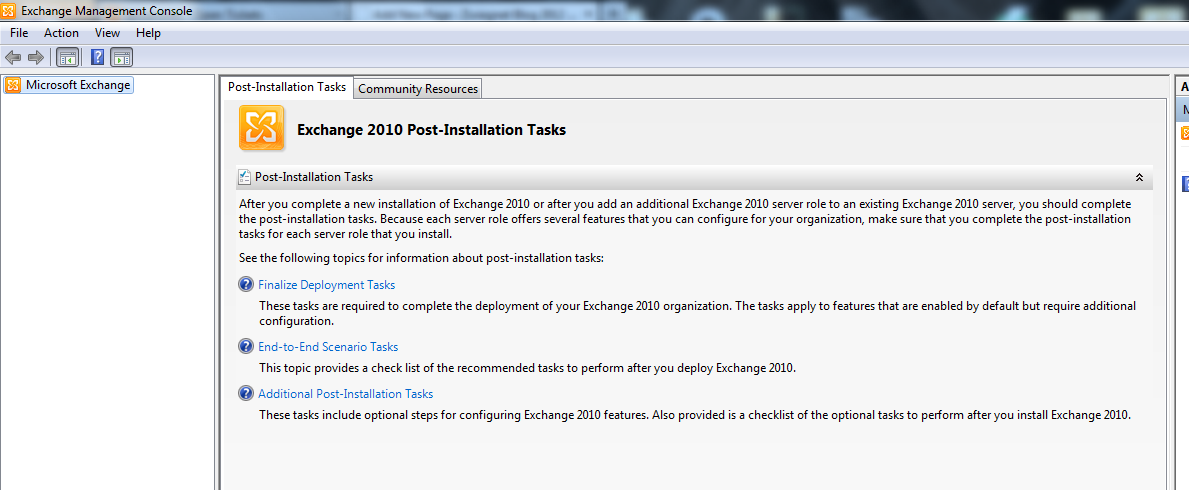
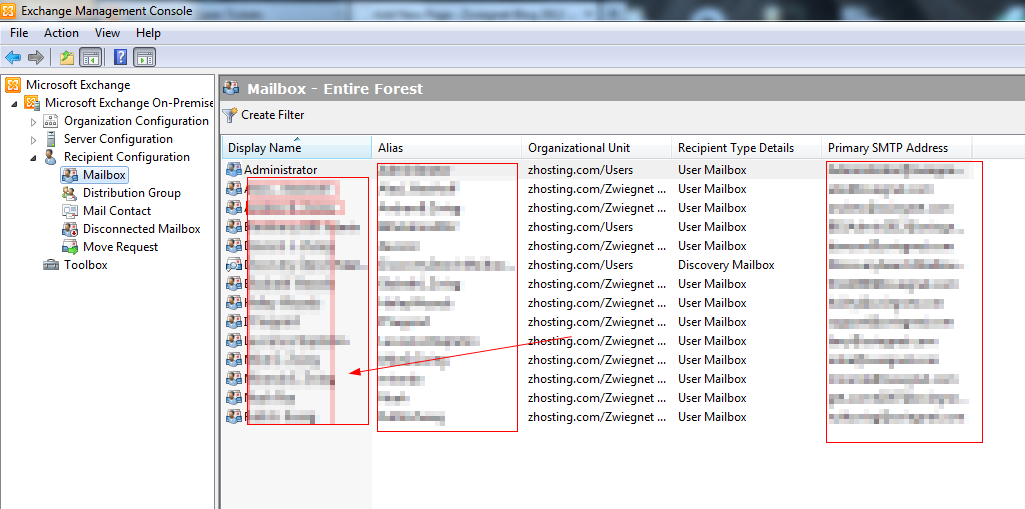
Go ahead and expand to the “recipient configration”
Select the mailbox that you want to use, right click, and go to properties
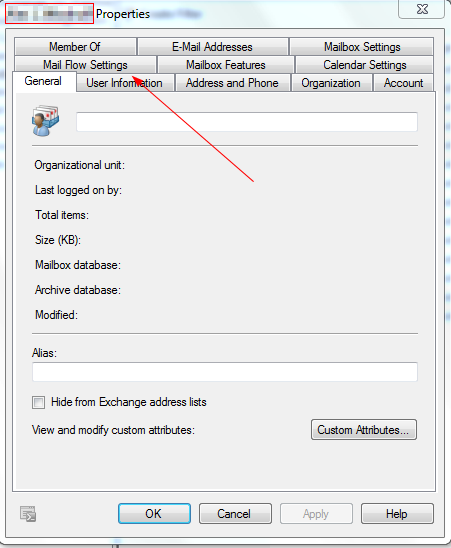
Go Ahead and Click on “mail flow settings”
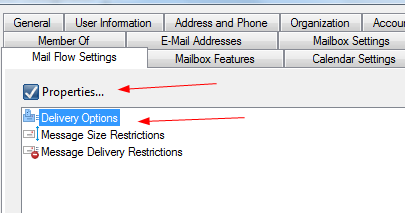
Select “delivery options” and then “properties”
from here define your options
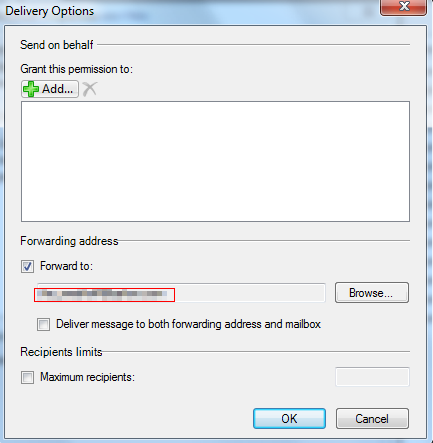
you can forward to a user, or a distribution group.
you can also make it really easy, and issue the following command in powershell:
Set-Mailbox -Identity "Jane Doe" -ForwardingAddress "janedoe@company.com"
That’s It!
To get a hosted exchange solution with Dedicated Exchange Professionals, visit www.zwiegnet.com/go to get started today
Related guides: Install Service Pack 3 Exchange 2010 | Migrate Exchange 2003 to 2010