
Install XRDP on CentOS
Install XRDP on CentOS
If you are looking for something similar to remote desktop for CentOS, you are in luck, XRDP is the answer. Let’s get started.
This package requires the EPEL Repository, if you have not yet, please install this on your CentOS Server/Desktop
Issue the magical command to install xrdp

once installed, start the service, and configur it to run after a reboot

the main configuration file for XRDP is /etc/xrdp/xrdp.ini

the main thing is to make sure the crypt-level is set to high
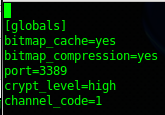
that’s it, now launch either a Linux rdesktop connection to the host, or a remote desktop session, now you should be able to login with your LDAP or local login credentials
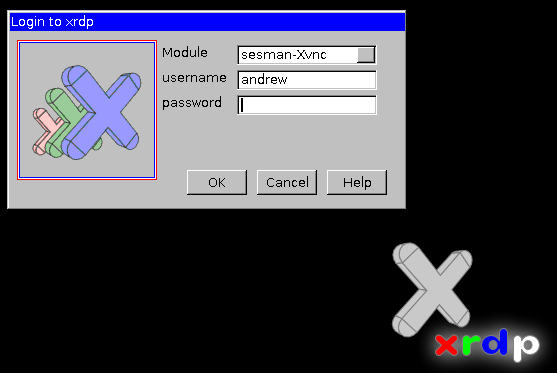
That’s it!
Hosted Linux Servers at www.zwiegnet.com/go
Related guides: Configure CentOS XDMCP Logins | Install Xnest CentOS 6