
Find out what domain controller you are authenticating with
Find out what domain controller you are authenticating with
here’s a simple one go to a command prompt
enter the following command:
set logonserver
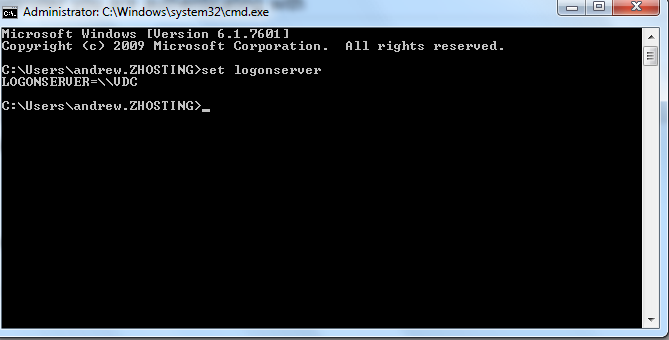
as you can see i am logging on and authenticating with the server “VDC”
Related guides: Investigate Account Lockouts in Active Directory | join computer to domain command line