
Share CUPS UNIX printer with Windows IPP
Share CUPS UNIX printer with Windows IPP
This blog post assumes you already have a printer setup & configured in CUPS, and you want to share it with Windows. If you do not, please see the following link: http://blog.zwiegnet.com/linux-server/configure-cups-printing-on-centos This method is for IPP or internet printing protocol and does not use SAMBA
alright! let’s get started, login as root to your Linux System

verify cups is running and can print

perfect!
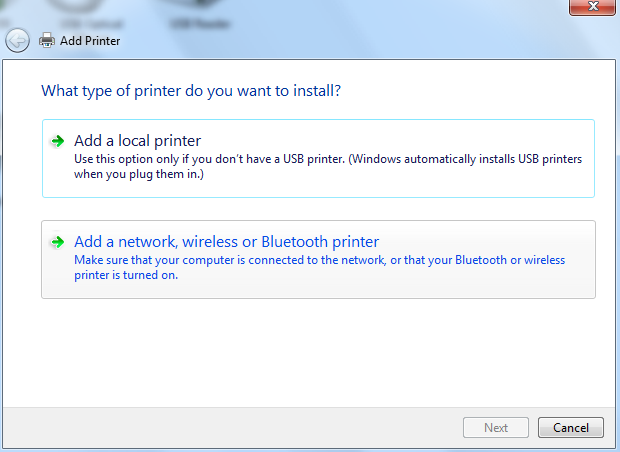
now in windows, open the add new printer wizard
choose network printer
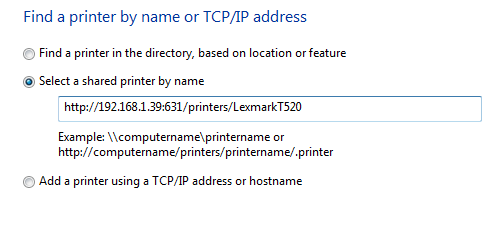
from here the printer i want wasn’t listed

Enter the information that applies to your environment
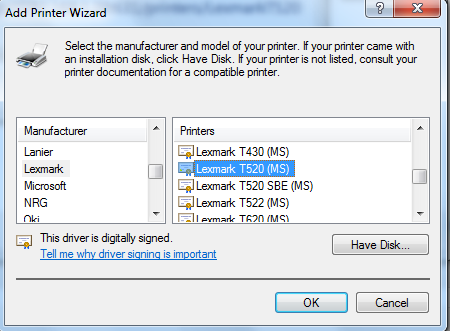
now select the correct windows driver
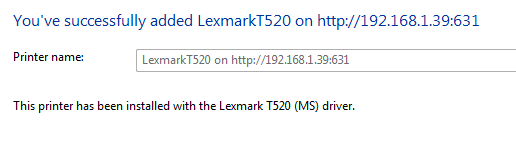
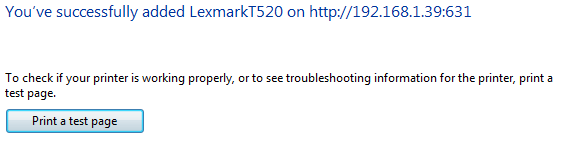
success! now print a test page!
yay!
that’s it!
To get a hosted Linux server visit www.zwiegnet.com/go to get started today!
Related guides: Configure CUPS Web Interface for SSL CentOS 6 | Enable/Disable CUPS Printer