
Remove Rogue DFS Namespace
Remove Rogue DFS Namespace
If you are getting the error: The namespace cannot be queried. Element not found we have the solution
In our case we had a DFS root on a server with poor hardware, it died of course, and the namespace is still left in the directory, but we cannot remove it via DFS Management
*** NOT RESPONSIBLE FOR ANY DATA LOSS, USE AT YOUR OWN RISK ***

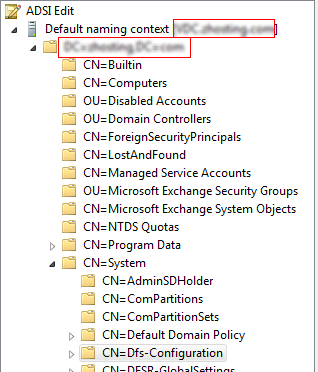
what we have to do is open up ADSI Edit
expand the CN=System and click on CN=Dfs-Configuration
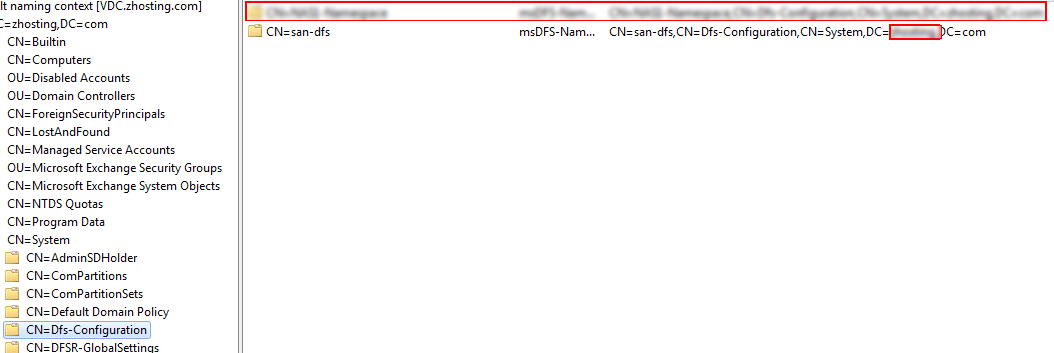
you should see your rogue namespace here, go ahead and delete ONLY THE ROGUE ONE
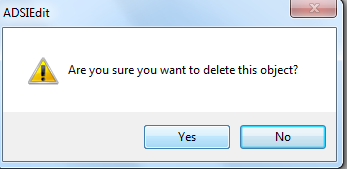
yes, go ahead and remove
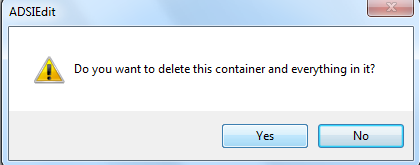
yes, now all we have to do is remove from MMC
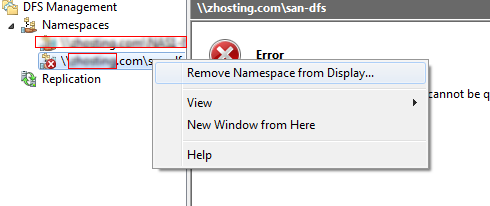
that’s it!
To get a hosted Windows Server visit www.zwiegnet.com/go today
Related guides: Remove Member Domain Controller | Robocopy Fileserver Migration