
Install vTiger CRM on CentOS Linux
Install vTiger CRM on CentOS Linux

At this point I have a VM with CentOS installed, joined to the domain, and fully updated, not much more to that.
Let’s get started, install these two, one at a time, not combined
yum install gd gd-devel php-gd
yum install php-imap
After that Download the Source TAR from the vTiger Website
*** DO NOT TRY THE .BIN installer, its crap and always fails!!! ***
Once Downloaded, install Basic LAMP stack with the following commands:


From here we have to do some setup

This sets MySQL and Apache to run on startup

Edit the hosts file so Apache is happy

Start Apache

Start MySQL
Perform the MySQL Secure Installation
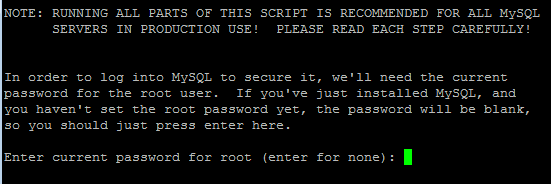
Pretty much hit Yes to everything after reading carefully, and complete.
** Please note we are not using the .bin installer, we downloaded the source, the .bin pretty much NEVER WORKS ***
From here Move the downloaded vtiger.tar.gz file to /var/www/html

Change to that folder
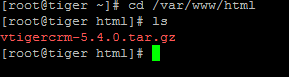
Unzip the compressed folder

We should now have the vtigercrm folder shown in blue

Set permissions accordingly
The following elements should be changed to php.ini file (see below)
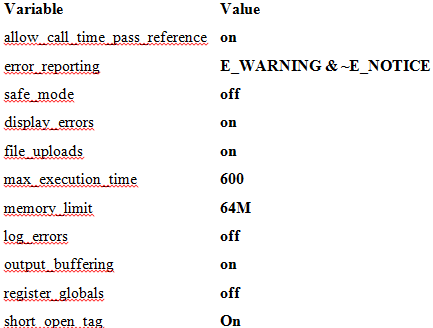
There are a few others not immediately referenced:
allow_call_time_pass_reference OFF
Once the new php.ini has been uploaded, we have to restart apache for the new changes to take effect

Now we need to create a new database with utf8 format (not the default)
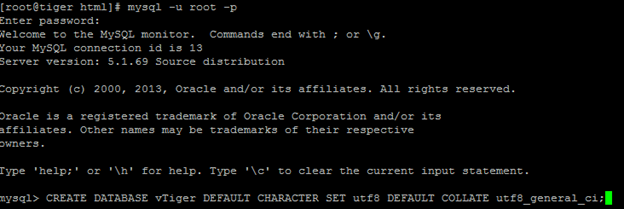
Now create a user that has full access to the database

Browse to the following web URL:
http://servername/vtigercrm/install.php
you should see this
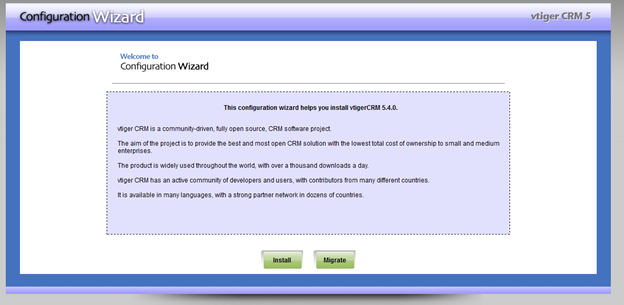
From here hit “install” and accept the agreement
Configure the Database Portion
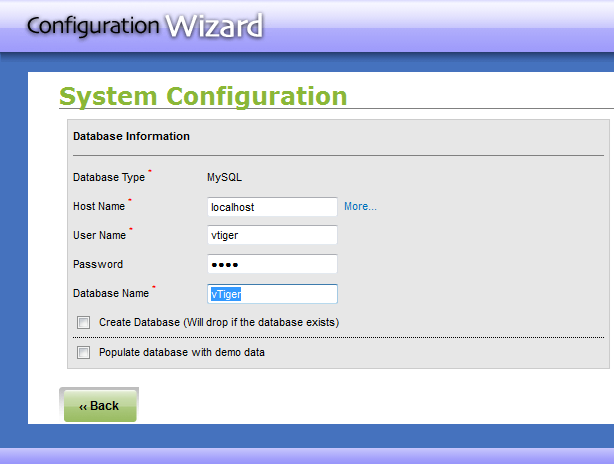
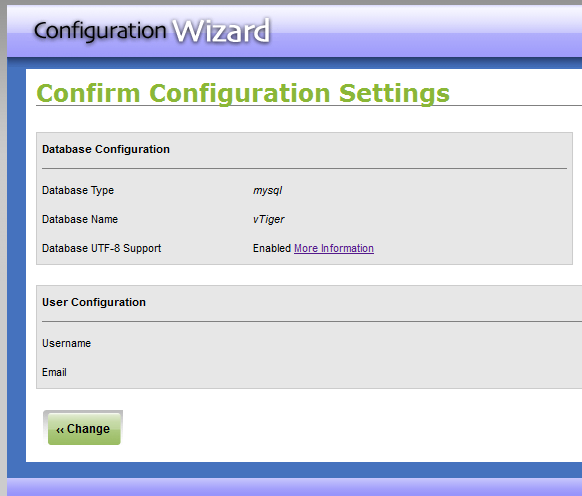
If it works, the following settings should appear
Install all optional modules as necessary
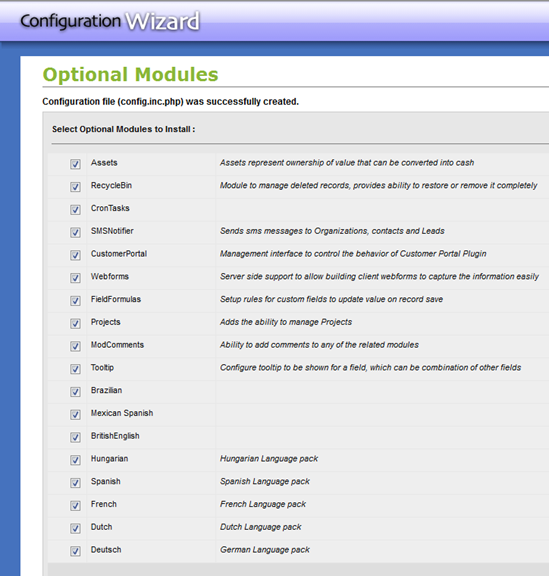
After you hit next, that will pretty much sit there and process for a long time….
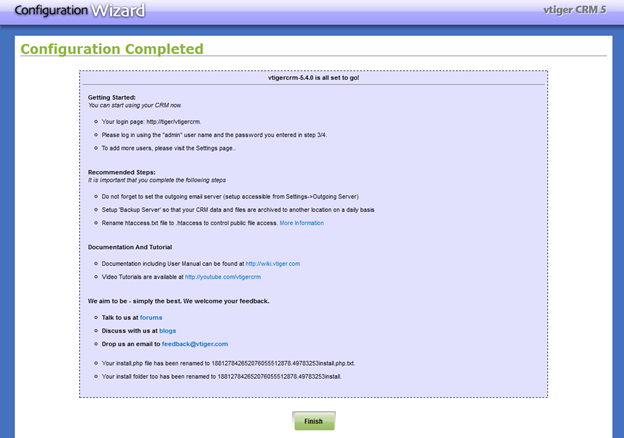
Yay, config completed! Hit finish
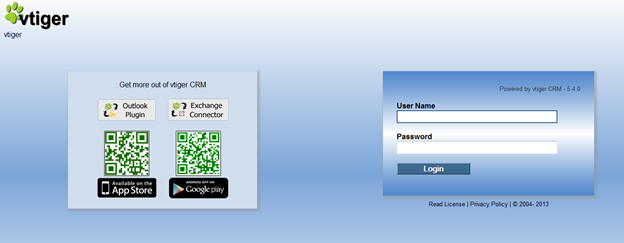
From here going forward we should be aware that our database settings are stored in the following area, if you want to move the database to a MySQL Server:
/var/www/html/vtigercrm/config.inc.php
To Enable FTP Backup:
yum –y install ftp.x86_64
That’s it!
Hosted Linux, and vTigerCRM at www.zwiegnet.com/go
Related guides: Confgure vTiger CRM Firefox Toolbar | Install vTiger CRM On Windows Server