
Install Office 2010 on Linux Mint
Install Office 2010 on Linux Mint
Mount the Windows Share that may have your installer, and install Wine from the Software Manager
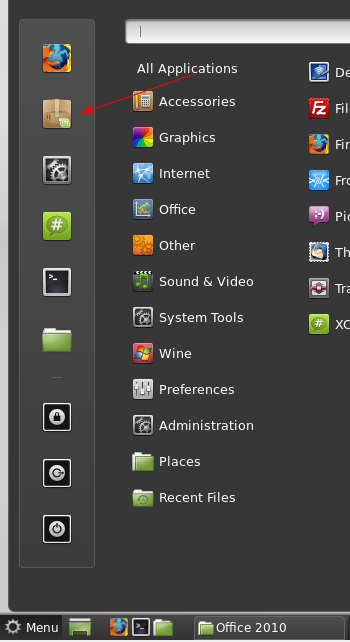
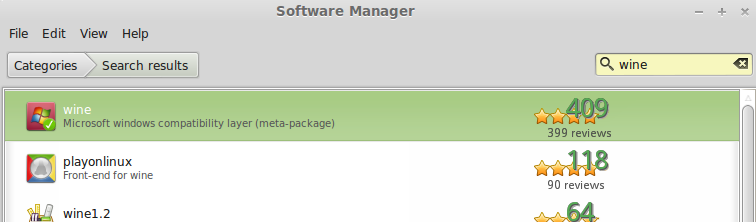
Install wine, and playonlinux, and Reboot
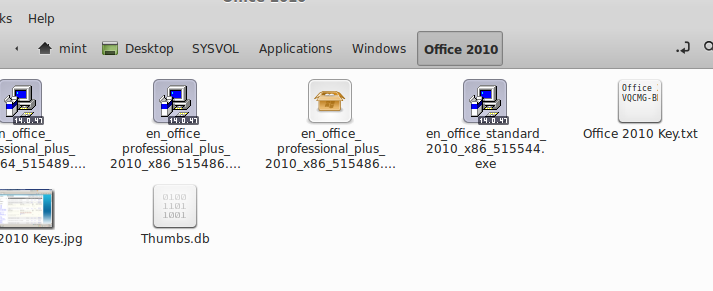
Mount the Windows Share that may have your Office 2010 Installer On Linux Mint (if you don’t know how, go here http://blog.zwiegnet.com/linux-server/mount-windowscifs-share-on-linux-mint/) that takes you through the whole process
Look at that, WINE even can detect the Goofy Windows Installer Icon
Open Play-On Linux, hit install, and search for office
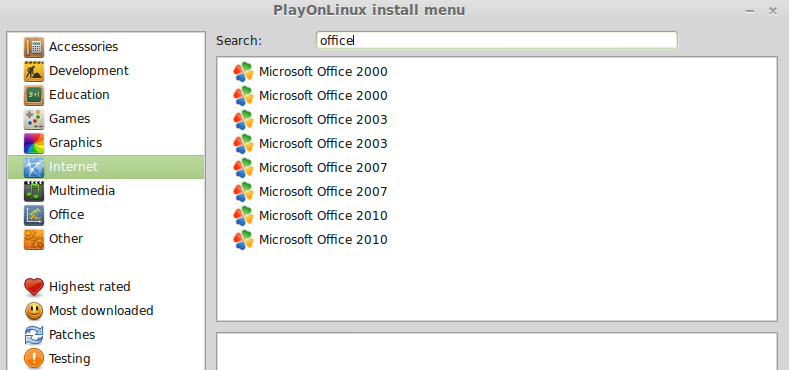
Select Version and hit install
Next
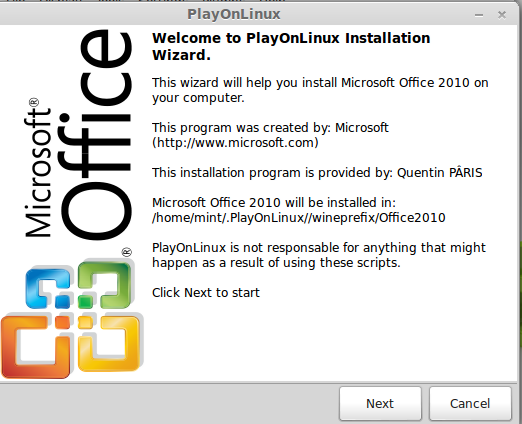
WAIT A SECOND? DOES THAT SAY THAT THIS WAS CREATED BY MICROSOFT? (see this article http://www.brainyquote.com/quotes/quotes/l/linustorva381582.html)
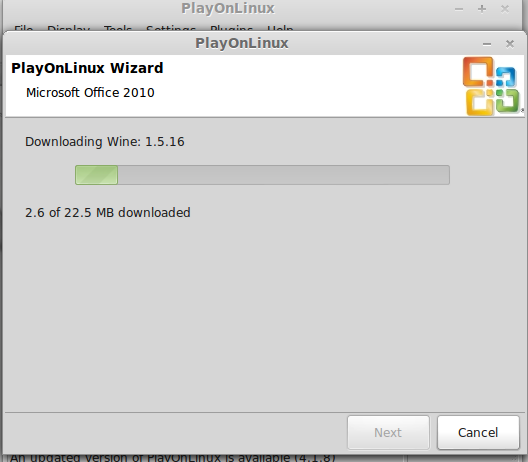
Browse to the installer path, and select the windows installer, it will install Wine
Install Wine Mono Installer
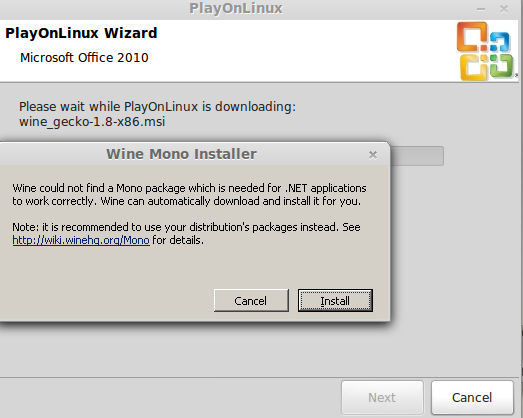
that may take a while, the next screen you should see is:
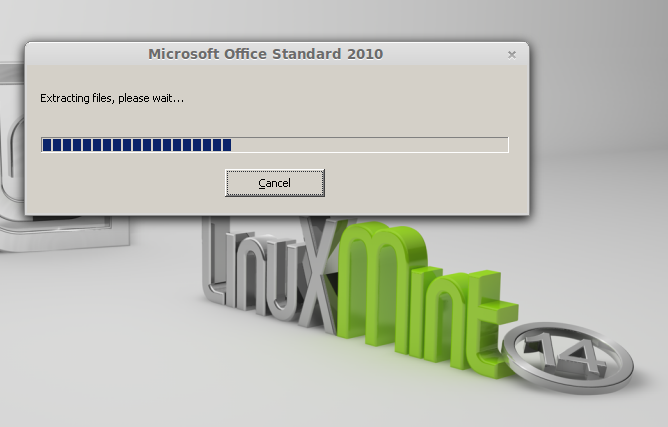
Enter Your Product Key, and Install
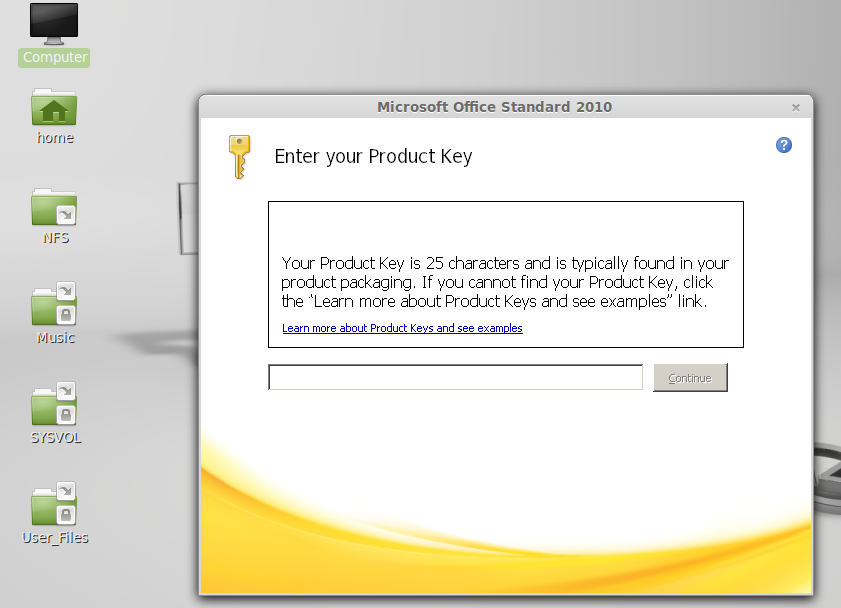
nice
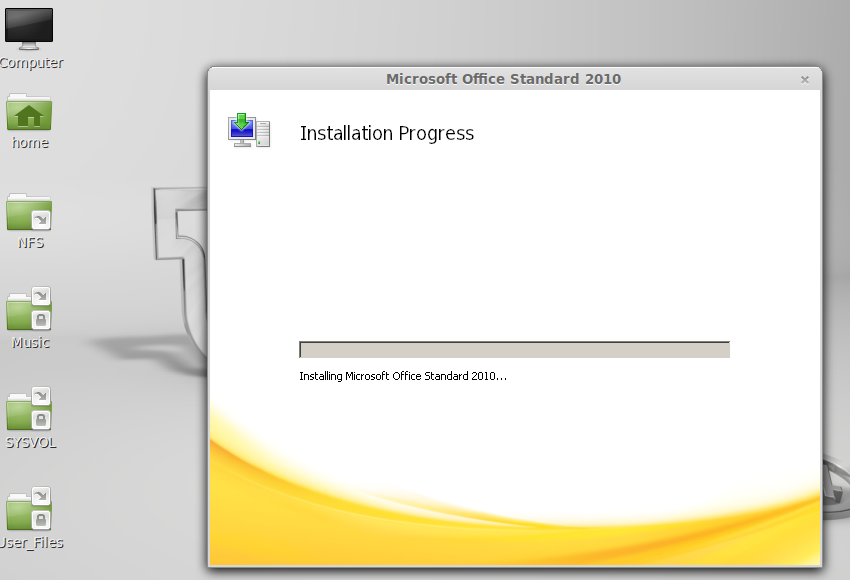
If i have not Yet Mentioned, Linux is FREE OPEN SOURCE SOFTWARE, made by an outstanding Open-Minded Set of individuals.
That’s it!
If you are interested in a Linux-Based Solution visit www.zwiegnet.com/go to get started today
Related guides: Join Linux Mint to Windows Domain | Mount NFS Share Linux Mint