
Index SQL Server Database
Index SQL Server 2008R2 Database
Every once in a while it’s a good idea to re-index your tables when you are using Microsoft SQL Server. Unlike MySQL sql server does not automatically re-arrange tables and put them in the proper order they should be, so it’s a manual process that can be scripted.
Open up SQL Server Management Studio
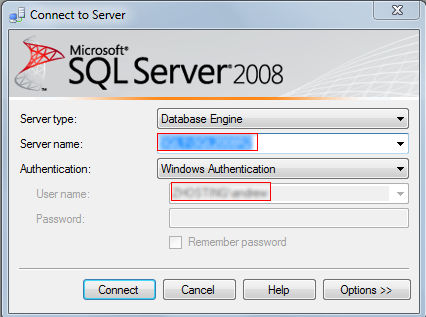
go to the database that’s giving you trouble —let’s just call it SUSDB (Windows Update Services Database)
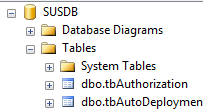
Expand the tables until you find the table in question in this case we will use tb.EventInstance (synchronizations in WSUS)
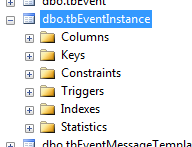
Expand Indexes, if we want to rebuild the indexes on one field, right click, and hit rebuild
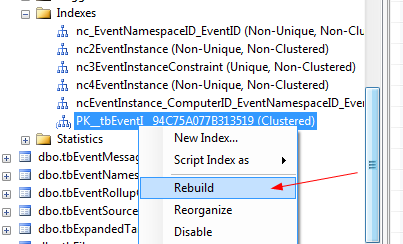
if we want to rebuild the indexes on ALL fields Right Click Indexes Folder
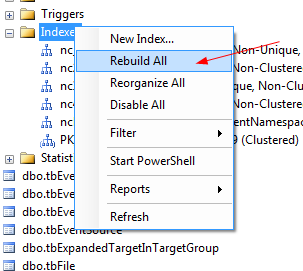
select Rebuild All
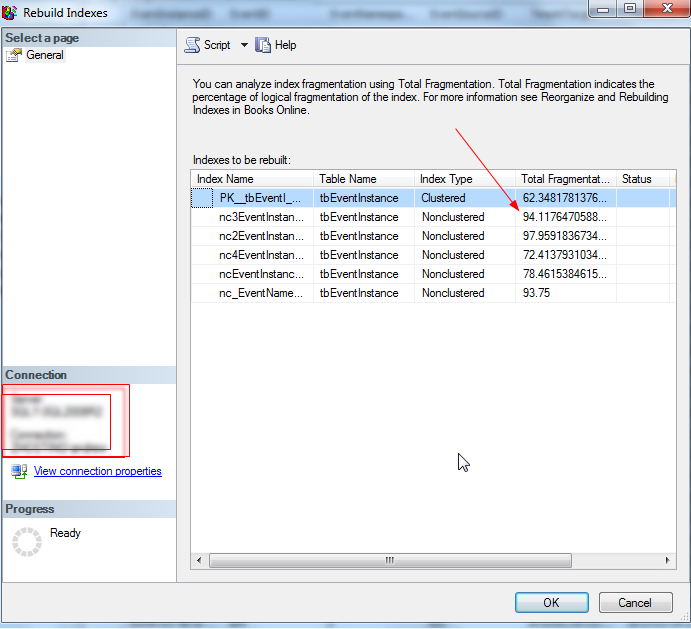
as you can see, this table is fragmented, and needs to be re-indexed, hit OK
it should quickly go through and fix all indexes
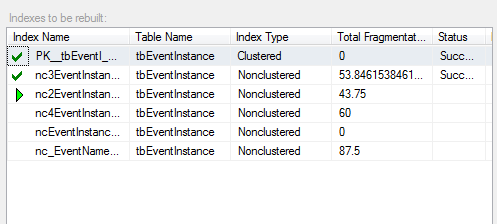
That’s it!
To get hosted SQL Server visit www.zwiegnet.com/go to get started today
Related guides: Find Database Names Microsoft SQL Server | Fix Microsoft SQL Express Memory Issues