
Disable Windows Update Reboot
If you came here looking to disable this one, you have came to the right place.
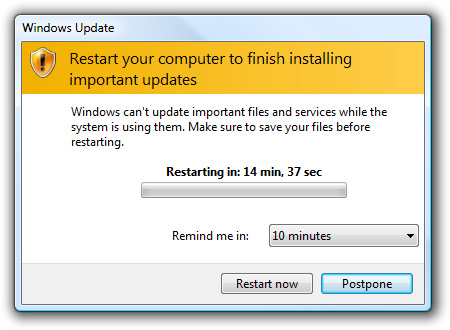
Before we get started, i would like to state, that this should only be used for an emergency situation. It’s a bad practice to use this for production machines, however we have all been in the situation where we just CANNOT reboot. (especially if you have yet to move to server core)
here’s what we do:
open up the registry editor “regedit” from a command prompt:
navigate to the following registry key:
HKEY_LOCAL_MACHINESOFTWAREMicrosoftWindowsCurrentVersionWindowsUpdateAuto Update
delete the key folder named “reboot required” and delete the registry key.
from there open the local computer “services”
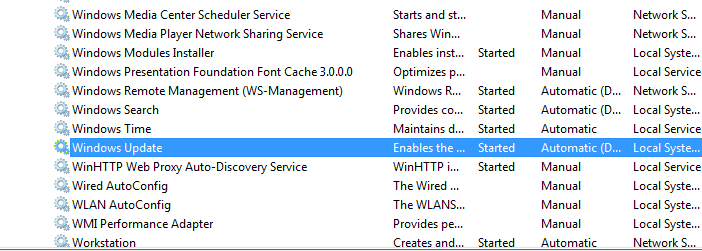
right click, and restart windows update.