
Add Another Hard Drive Server Core
Add Another Hard Drive Server 2012 Core
so i have a 90GB hard drive, but i want to add 2TB for some storage, how do i do it?
to add another hard drive to your system, first make sure that your firewall is disabled, if not, check this link: http://blog.zwiegnet.com/windows-server/disable-windows-firewall-server-core make sure to reboot afterwards.
*** make sure to add a local account in sconfig to login with if the core server is not on the domain **
do an ip config to make sure you are connecting to the right host

once the firewall is disabled, open up MMC on a remote machine (oh yea, they removed devmgmt.msc from server core, how awesome)
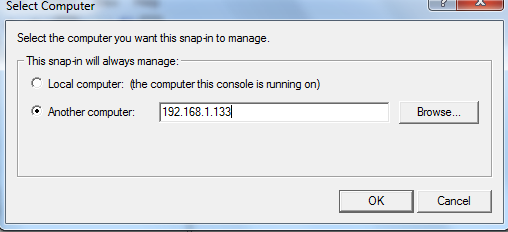
type in the server ip
open disk managment
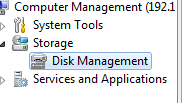
cool, it wants us to add a disk
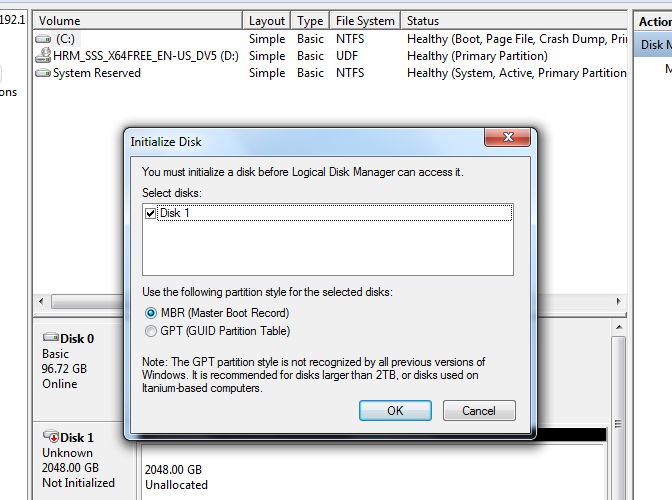
let’s go with GPT (MBR only allows disks up to 2TB, never use MBR for a second disk)
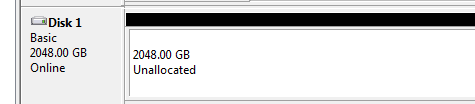
now all we have to do is format!

Bam! we have a beautiful healthy 2TB D Drive on Server Core 2012
That’s it!
To get a hosted Server 2012 Core Server Visit www.zwiegnet.com/go to get started today!