
Configure Network Connection Oracle Linux
Configure Network Connection Oracle Linux
su to root

(or whatever NIC you are using, may be eth1, eth2,etc)
your config should look like so

make sure you change bootproto to static, and onboot to yes
append, IPADDR= and MASK= and then customize for your environment
Save + Quit

from there add the gateway, and configure the hostname

Save + Quit
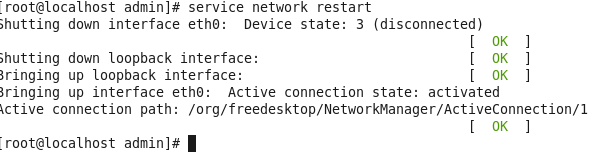
now issue the service network restart command to bring up network connection
now let’s do a ping google.com
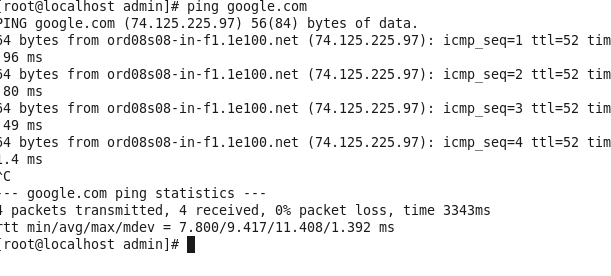
as you can see it can ping out to the internet, we are good!
to get a hosted Oracle Linux Server visit zwiegnet.com/go to get started today!
Related guides: Configuring Network CentOS 6 | Configure Bond Interface Oracle Linux 6