
Install Dell OMSA Oracle Linux
Install Dell OMSA Oracle Linux
for those of us who use Oracle Linux and need hardware monitoring/failure detection from Dell’s OMSA, we have to use the work-around and install the Redhat version on Oracle Linux
** Note that although it’s not officially supported by Dell, it says on their Open Source repo that it “should work” and the mailing list will “unoficially” try to help.
You can install OMSA on all Linux systems even if the server is not supported. However, complete functionality is not guaranteed. – Dell
http://linux.dell.com/wiki/index.php/Repository/OMSA
login and su to root

install wget if you have not yet (yum -y install wget)
now download and get the Dell OMSA repo
wget -q -O – http://linux.dell.com/repo/hardware/latest/bootstrap.cgi | bash
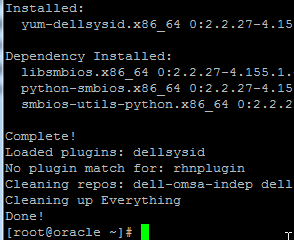
now install server admin
this may take a few minutes
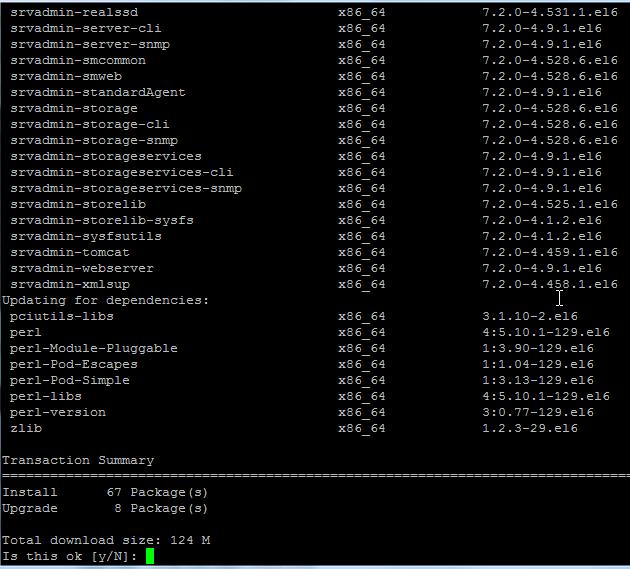
done!

it doesen’t look like services start by default
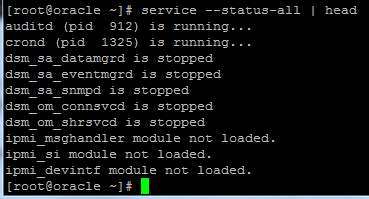
note that OMSA insatlls to /opt

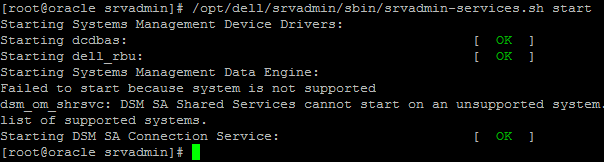
start the service

this part takes a few minutes….
now go to your web browser and open omsa
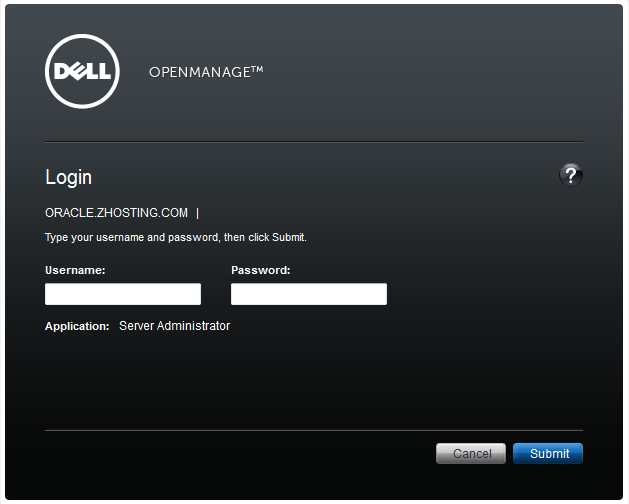
login as root/some other user
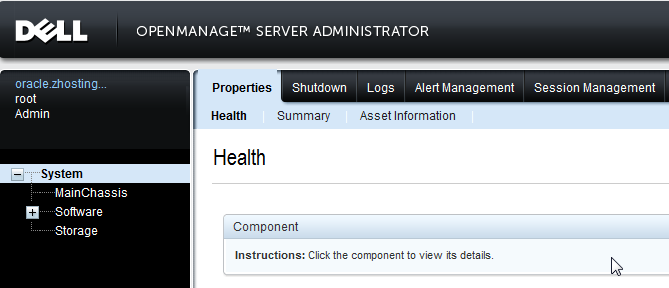
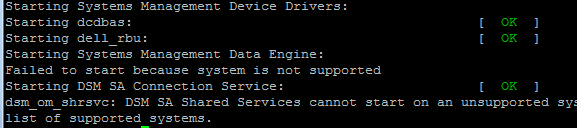
once started, it should start automatically after a reboot, you can check /var/log/boot.log
That’s it!
If you are interested in a Hosted Linux Server visit www.zwiegnet.com/go today
Related guides: Configure SNMP on CentOS | Install SMART on CentOS 6.4