
Move Windows Deployment Server To Another Hard Drive
Move Windows Deployment Server To Another Hard Drive is easy with this tutorial
not sure why i thought this was a good idea in the first place to install WDS on a 60GB hard drive, but none the less here we are.
Add another hard drive to your System, and make sure it Mounts
Create a folder named whatever you want in the D:/ or E:/
from there open a command prompt(as administrator)
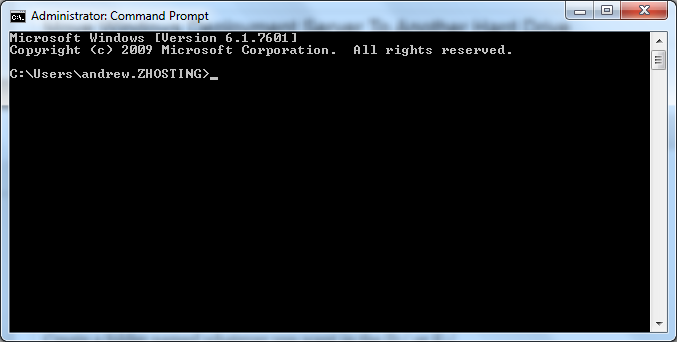
from there issue the following command to stop/un-initialize WDS Server
wdsutil /uninitialize-server
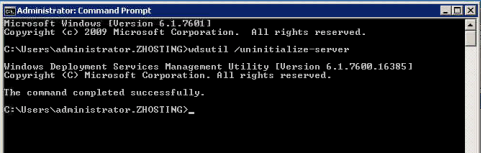
once you see command completed successfully, move the RemoteInstall Folder to the New Hard Drive
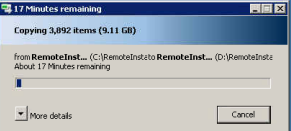
as you can see i’m just doing a copy (to be safe) from C:/RemoteInstall to D:/RemoteInstall
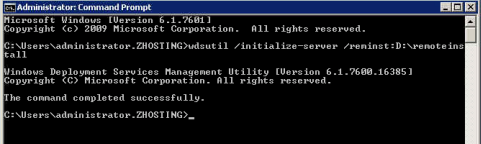
once completed issue the following command to tell WDS what’s up
wdsutil /initialize-server /reminst:D:RemoteInstall
you should be prompted as shown below:
now all we have to do is delete the original off the C:/ and we are done!
Related guides: Move WSUS to another Hard Drive | Add Another Hard Drive Server Core
1 Comment