
Import a PST Into Zimbra Community
Import a PST Into Zimbra Community
When it came time for me to migrate Exchange Mailboxes over to Zimbra, the solution was really easy, Zimbra Has a Tool that allows you to move all Exchange Data to Zimbra.
Let’s login the the Zimbra Admin Console
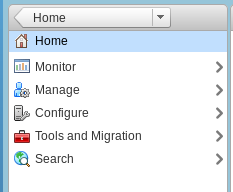
Click on Tools and Migration

Download the 32-bit Exchange/PST Migration Wizard (even if you have 64-bit Win7, use the 32-bit)
Once installed, launch the Zimbra Migration Tool
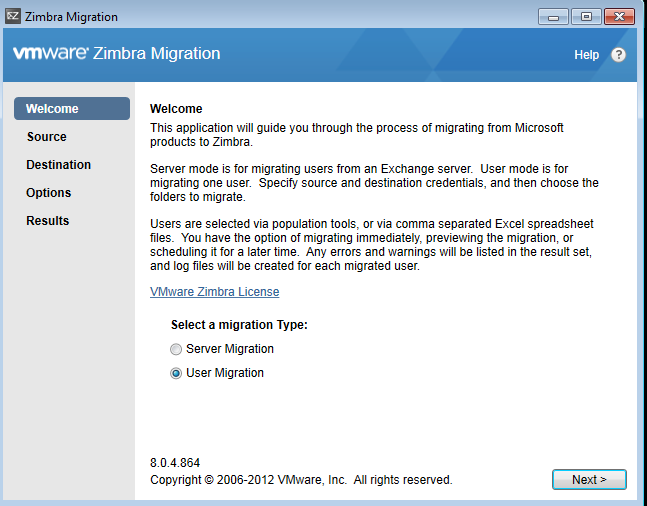
In This case, for an individual mailbox, i will use the user migration option, and hit next
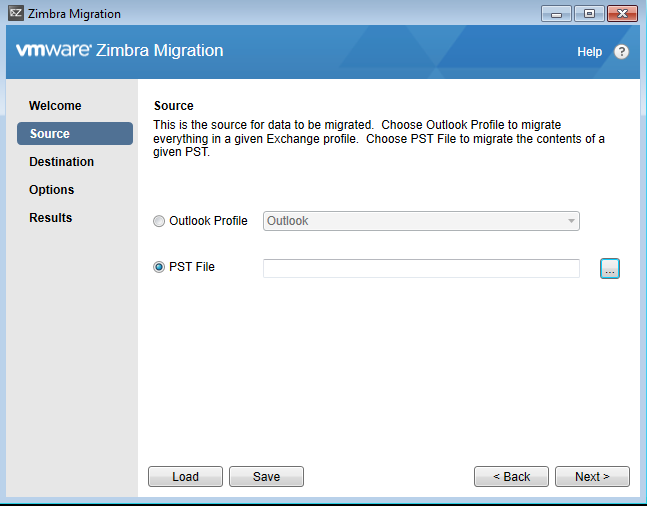
from here select the PST Location, and hit next,
now enter the credentials for your zimbra server, and the account you want to import the PST to
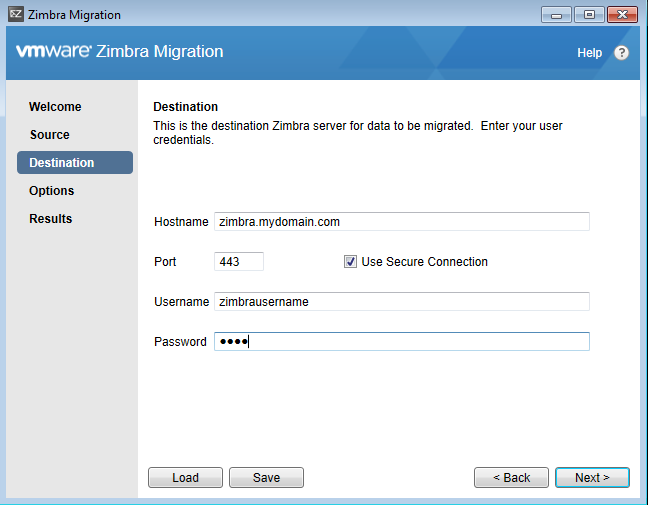
select all items from the PST you would like migrated into Zimbra, and hit migrate
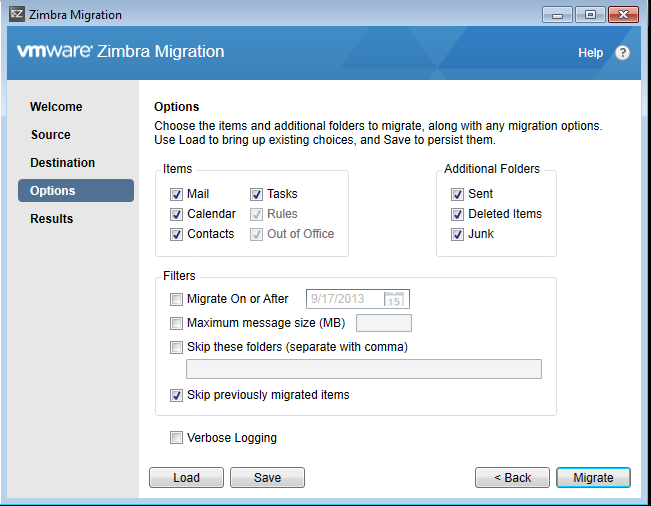
let that cook for a while (the bigger your inbox, the longer it takes)
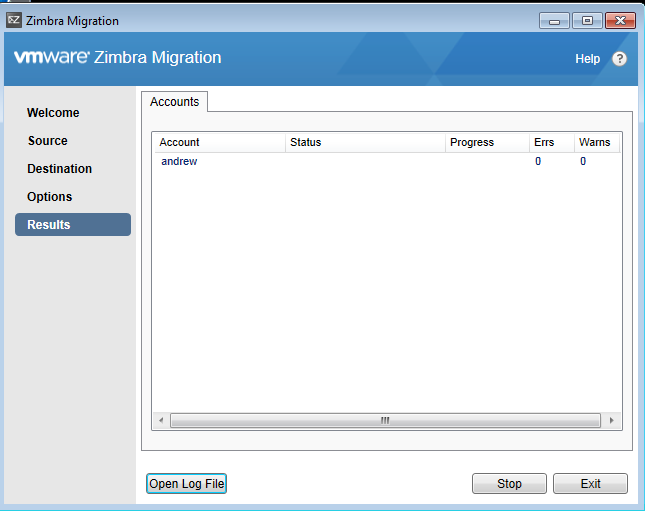
you should eventually see some activity like “migrating delete items”
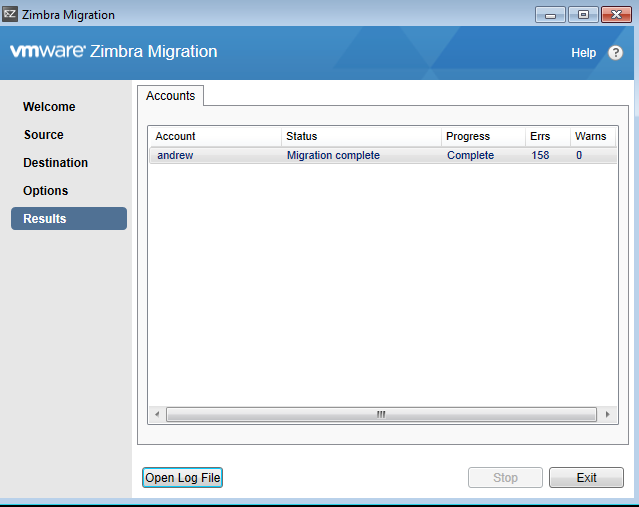
completed
Hosted Linux Servers at www.zwiegnet.com/go
Related guides: Install Zimbra Community CentOS 6 | Migrate Exchange 2003 to 2010