
Install Server 2012 Core
Alright, so let’s sum it up, if you want to use server 2012, you will prob. install the GUI first, and be like “screw this all i have access to is the server manager, i might as well just go core” Microsoft has gone to great lengths to destroy their beautify engineered GUI in 2008R2, none the less, CORE is THE way to go in 2012
What are the benefits?
1) No IE (that can just be by itself)
2) No Explorer.exe (things are getting better little by little)
3) Don’t have to update core often (due to the fact that most updates are for Explorer/IE updating becomes minimal)
4) Performance you gain from not having Microsoft’s Less than acceptable GUI for 2012 worth it.
load up your media in a VM or on a physical host (do not use for production, testing 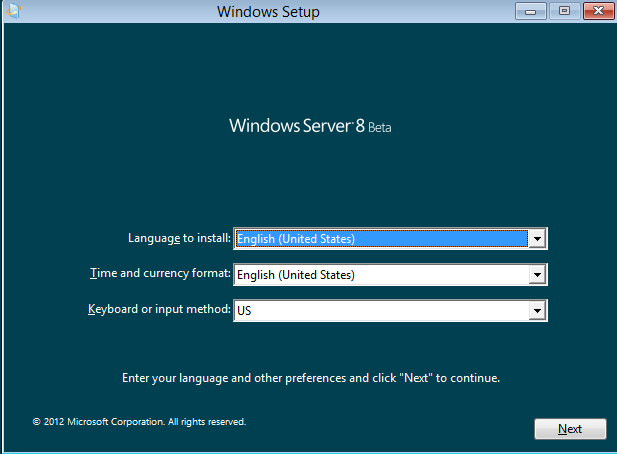
Select Next
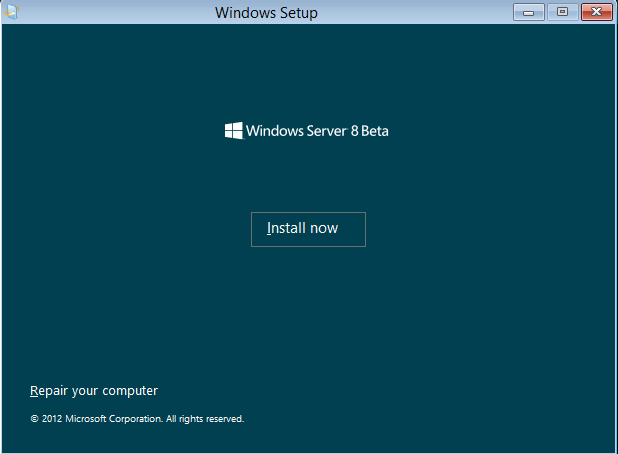
Install Now (should look familiar if you have worked with 2008)
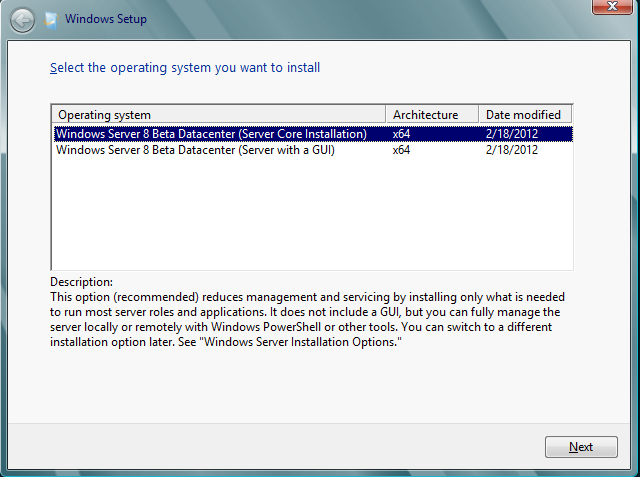
as you can see core is the default setting, just go with that, you will only be angered by the GUI that Microsoft has, i traditionally did this, and wasted hours before just moving to core.
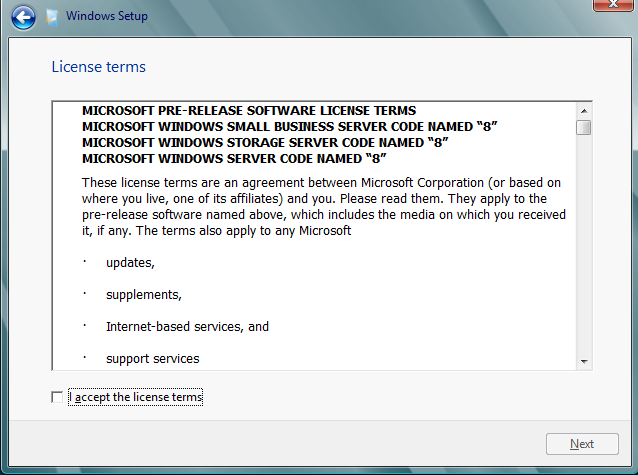
Verify that you won’t do anything Illegal with Microsoft Software
Setup you partitions and disks as necessary
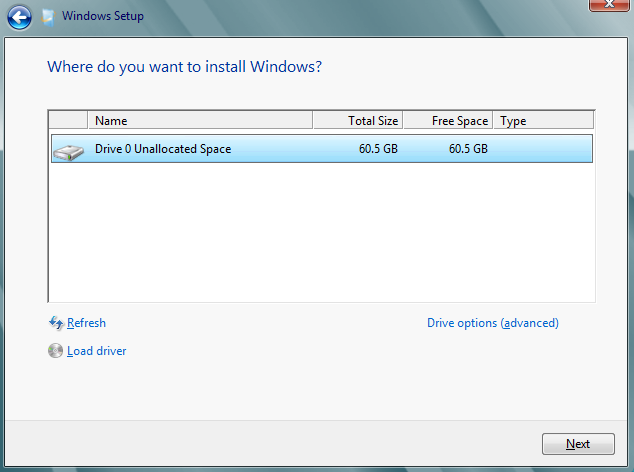
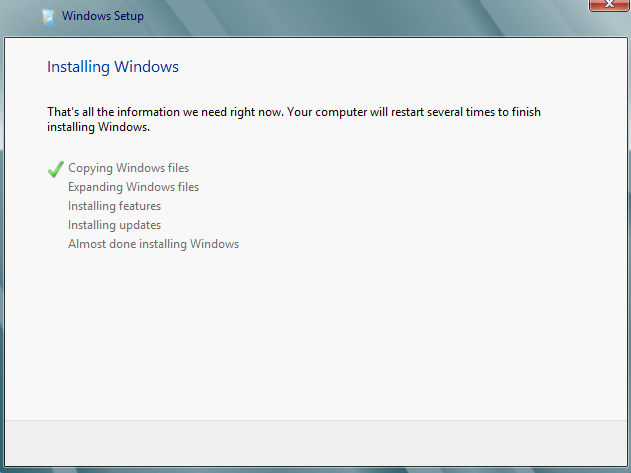
Wait a little bit for this to get all installed
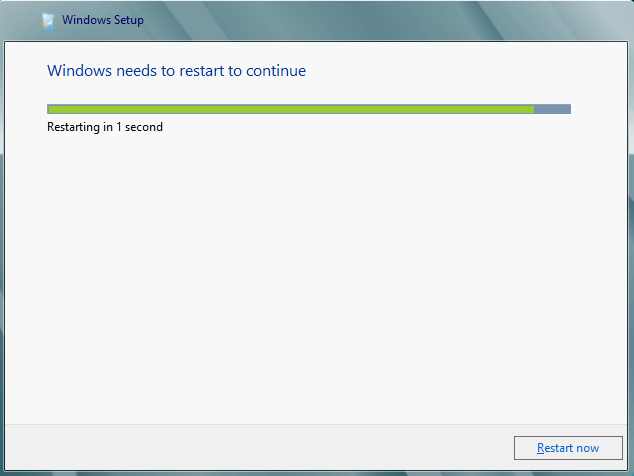
Restart when done
set the administrator password once booted (has to be a complex password like in server 2008)
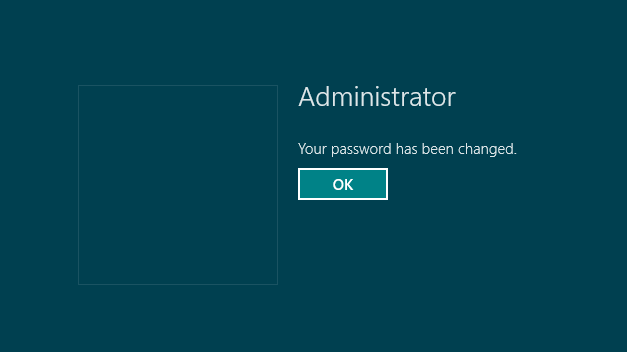
now let’s login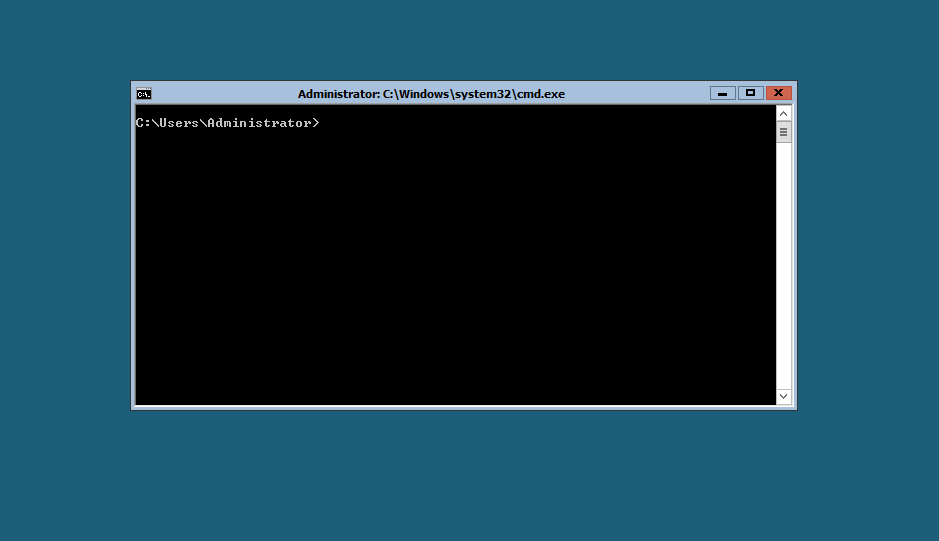
Tada! you are now logged into Server 2012! Check out more posts on how to go further and configure your system!
Related guides: Install Windows Updates on Server Core | Disable Windows Firewall Server Core
2 Comments