
Change Oracle Linux Run Level
Change Oracle Linux Run Level
in this example, we have Oracle 11gR2 Installed On Oracle Linux, but we only want to use the GUI when we need it, to leave the rest of the system available for database processing, so we are going to change to run level 3, so there’s no GUI unless called
login as root (yes)

vi /etc/inittab
Change the Run Level to 3
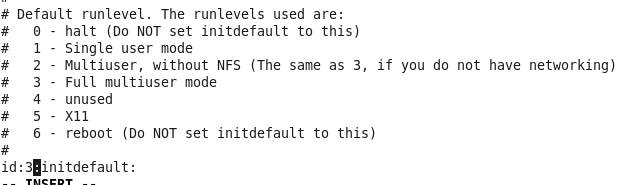
as you can see, this just does not initialize x11 unless called.
Save + quit and then reboot

as you can see we have only the CLI running, login as root

issue the startx command

That Starts the GUI, Logoff to Close the GUI again
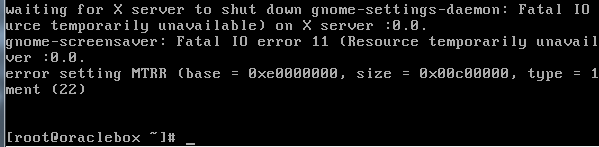
That’s it!
To Get a Hosted Oracle Linux Server Visit www.zwiegnet.com/go today!
Related guides: Configure Bond Interface Oracle Linux 6 | Format LUN for Oracle Linux