
Format LUN for Oracle Linux
Format LUN for Oracle Linux

at this point you should be 100% Aware, that THIS INFO IS PROVIDED AS A SUGGESTION, THERE IS RISK OF DATA LOSS, WE TAKE ZERO RESPONSIBILITY, AND NOT RESPONSIBLE FOR ANY DATA LOSS. IT’S ULTIMATELY YOUR PROBLEM IF YOU HAVE AN ISSUE PAST THIS POINT!!!!!! MAKE A BACKUP AND BE READY TO HAVE TO DO A RESTORE.
now that that’s out of the way, let’s continue
this blog assumes that you have your iSCSI volume online, it just needs to be formatted. If not, click here
su to root

run fdisk -l to show available disks

in this scenario, we have /dev/sda as the primary disk, and two SAN volumes
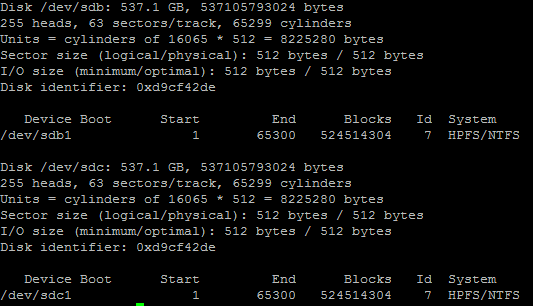
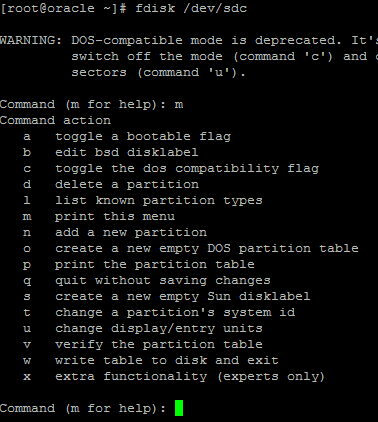
from here we need to format, we are going to /dev/sdc

hit m for more help
select n for new partition
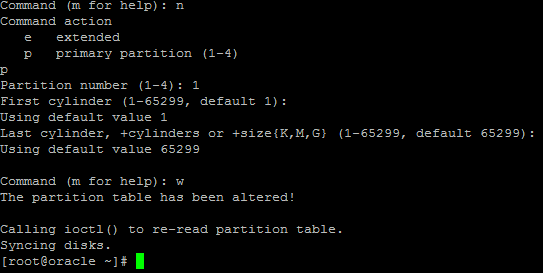
here’s the basic process to setup partitions on the disk
at this point we are going to do a makefs

it may ask “do you want to use the whole disk?” go ahead and hit “y”

this next part will take forever + 1 day
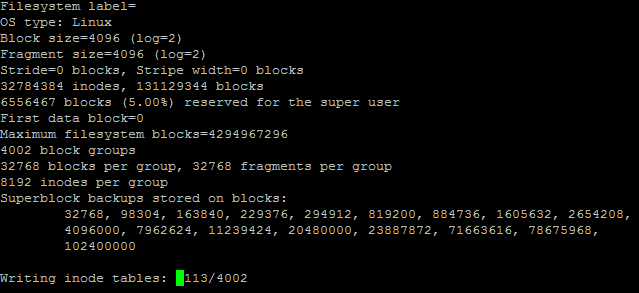
format complete
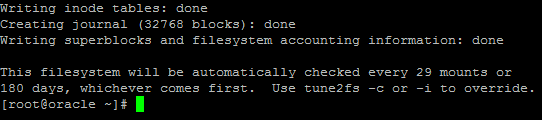
now all we have to do is mount the drive. But first, we need a folder to mount it to, fortunately there is an entire folder just for mount points. (you may want to consider mounting over u01) but for this case, we will mount it in /mnt

from here add the volume to fstab

here’s a look at the example
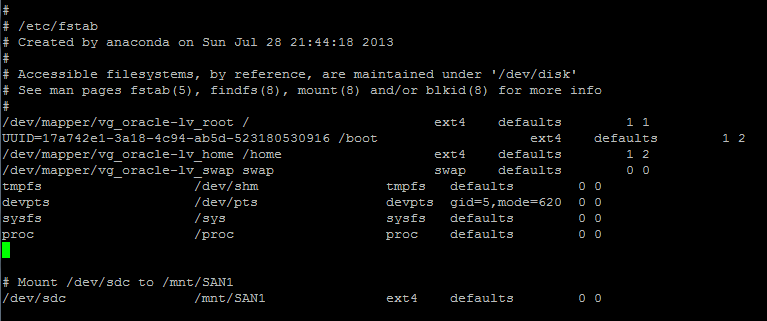
make sure to leave a comment, so you know what drive is mounted to where, it will make your life easier 
from here there’s one thing left to do, Mount.
** THIS NEXT COMMAND WILL RE-MOUNT ALL FILESYSTEMS, DO IN OFF-PEAK HOURS! ***

no errors, perfect!

let’s verify the mount
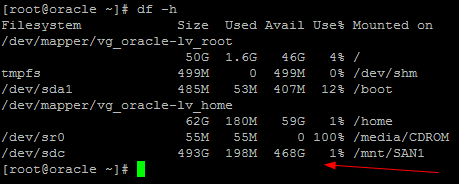
there it is! Done!
Hosted Oracle Linux at www.zwiegnet.com/go