
Join OpenSUSE 11 to LDAP
Join OpenSUSE 11 to LDAP
Once you have your Base Install of OpenSuse, one of the first common tasks is to join OpenSUSE to a directory system. In this case we are using LDAP. Let’s get stated
Login/Su to root, and open a terminal
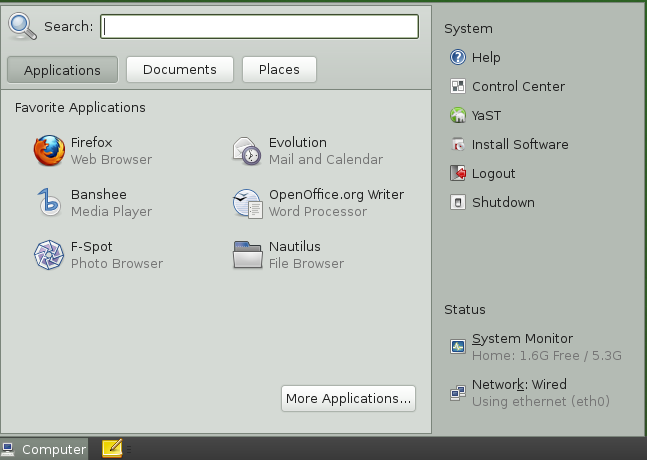
Launch YAST from the computer menu
select “network services” on the left
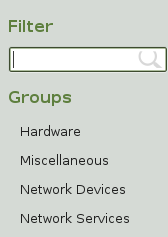
from here you should notice the right highlights in green
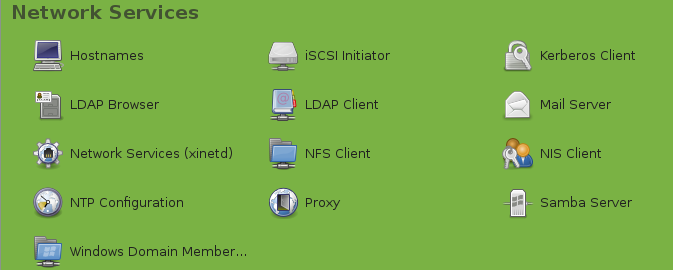
select LDAP Client
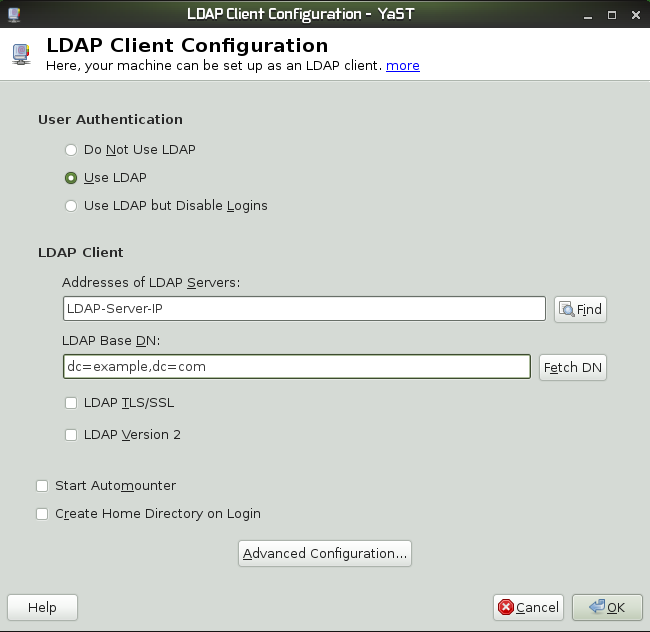
select use LDAP, enter the IP of your LDAP Servers, your Base DN, and Check/Uncheck the TLS/SSL Box (depending on your environment)
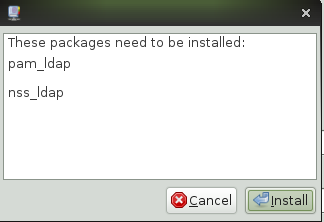
install the necessary packages (otherwise it won’t work)
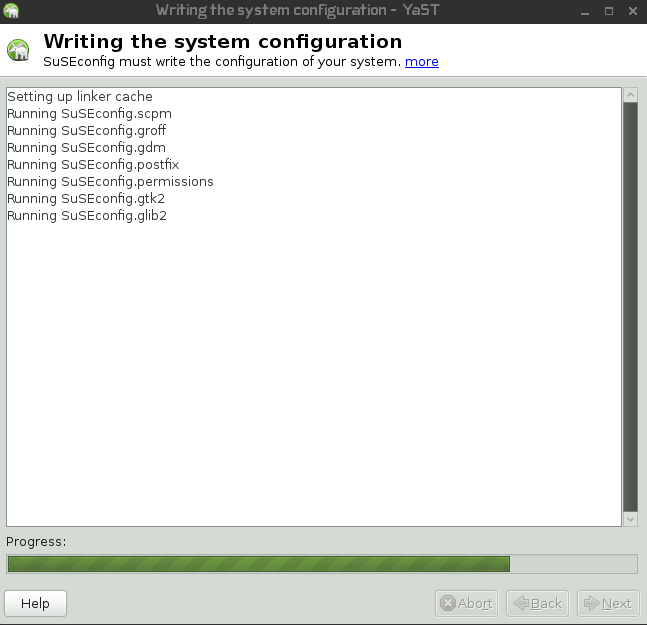
yast will take a few minutes to complete, from here it will write the configuration
from here we need to restart services, or reboot (since it’s a big system change, reboot is smarter)
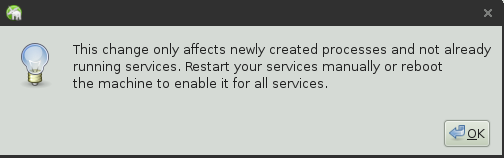
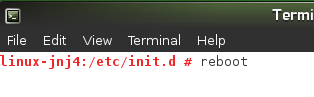
That’s it! You have successfully joined OpenSUSE 11 to LDAP.
Hosted OpenSUSE servers at www.zwiegnet.com/go
Related guides: Join CentOS to 389 Directory Server | Configure LDAP Server on CentOS 6