
Configure Citrix ICA Client CentOS 6
Configure Citrix ICA Client CentOS 6
This one is beautiful. Nothing like removing Windows from the entire process of working from home, or just working from Linux.
Download the Citrix Receiver from Here:
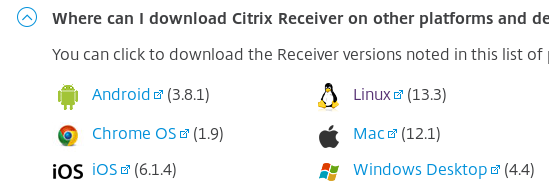
Click “Linux”
from here go down, and find “RPM Packages”
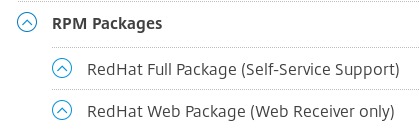
You can pick either one, At the time of this documentation, it’s the same package for both the web or Full Package, I went with the Web Package
Install the Package:
rpm -i ICAClientWeb-rhel-13.3.0.344519-0.x86_64.rpm
You should have a successfull install.
Certificates:
In the event that when you try to launch the Citrix Desktop you get an SSL Error, you must do the following:
view/export the certificate(s) from your citrix access gateway, In my case it was digicert, so I exported the DigicertCA, and the SHA2 certificate, and placed them in the following directory:
/opt/Citrix/ICAClient/keystore/cacerts/
make sure they are readable by the client, chmod 644 {cert-names}
From there your Citrix Receiver should now work on CentOS 6, Congrats!
Hosted Linux Servers at www.zwiegnet.com/go
Related guides: Configure CentOS XDMCP Logins | Install Xnest CentOS 6