
Install Cacti RHEL/CentOS/Oracle/Alma/Rocky
Install Cacti CentOS 6

Cacti is an Open Source Monitoring/Graphing Solution for Small to Enterprise Class networks. Cacti Allows you to Monitor Ping Response, Internet Usage, Internal Bandwidth, CPU, memory usage, etc. Very handy tool. Here’s the process to get it installed.
login to your Hosted Zwiegnet VM, and su to root
In our Case we have a CentOS Minimal install, we went ahead and installed updates with yum -y update, as well as install wget.
from here we need to install our dependencies:

and a few more dependencies for php

and now our SNMP dependencies:

done, now we have to set our services to start at startup, as well as start them now

now we need to enable the EPEL Repo

from here install the repo

now we need to actually install cacti

now set your MySQL password

login to MySQL

now Setup your Database
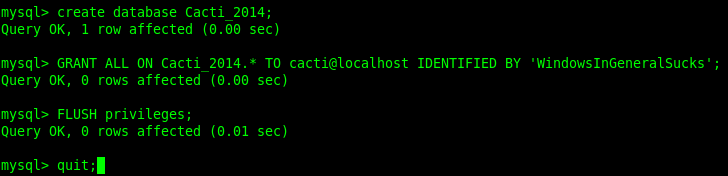
import cacti template database

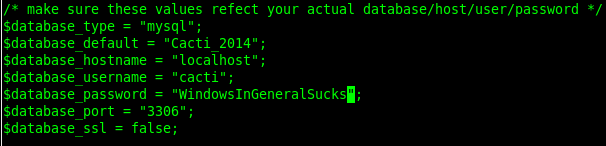
configure cacti mysql settings

set up database Username/Password, etc
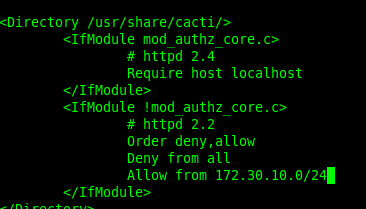
edit apache to allow outside connections

add your network (cusomize for your environment)
restart apache

setup cron

un-comment the first line
now enter the IP of your server, or hostname/cacti, you should have a nice greeting
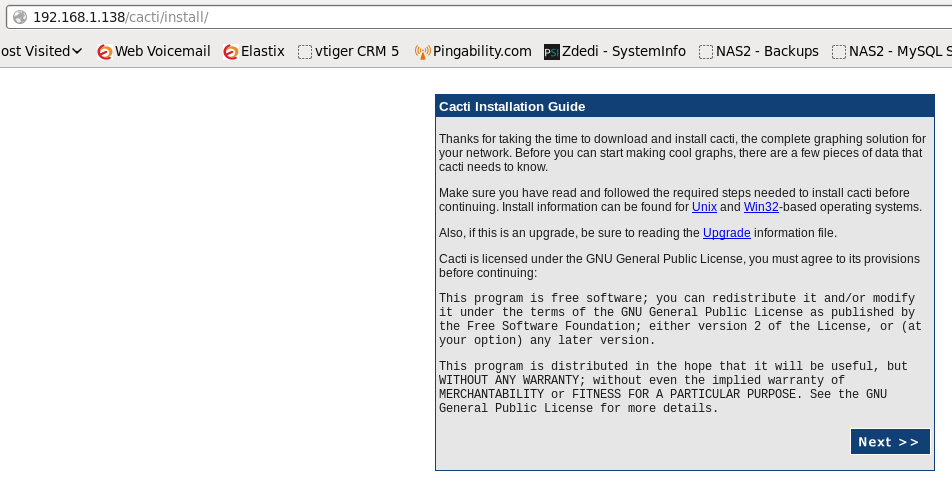
click next
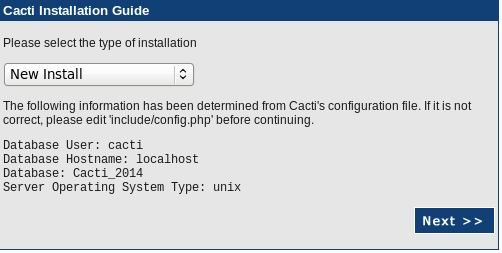
next
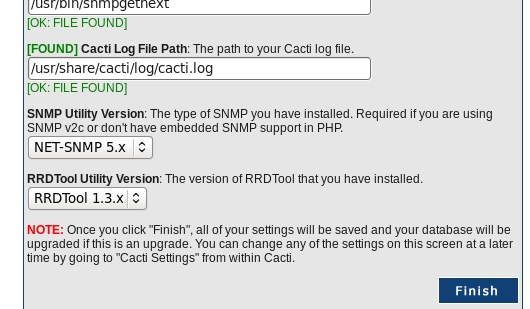
and finish!
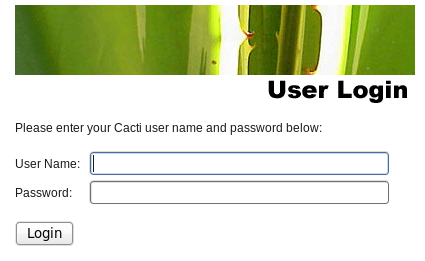
login with the default cacti username=admin, pw=admin

you will be forced to change your password
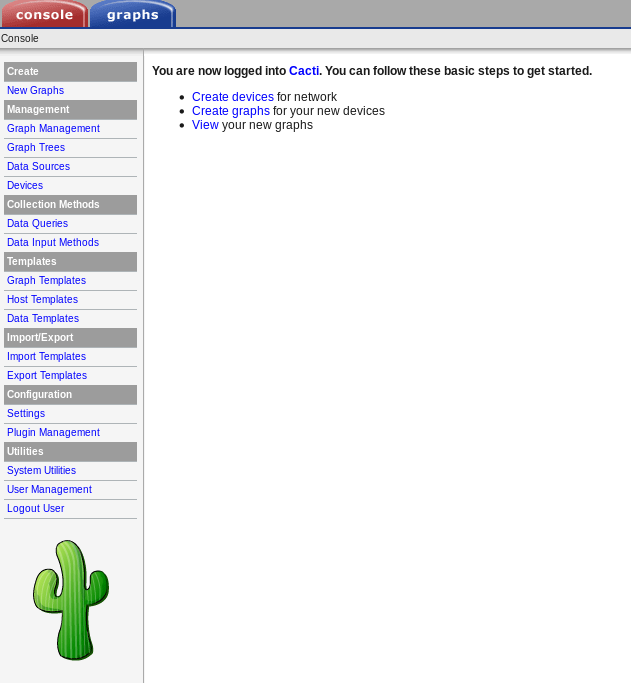
That’s it!
Hosted Linux Servers at www.zwiegnet.com/go