
Install Xnest CentOS 6
Install Xnest CentOS 6
Usually if you are installing Xnest, it’s because you want to view a remote Linux Terminal locally on a Linux Desktop, or other workstation. This blog assumes you used the below, or similar configuration to setup an X terminal server.
http://blog.zwiegnet.com/linux-server/configure-centos-xdmcp-logins/
Here’s the basic process:
login, and su to root

now do a yum search for “xnest”
from here you should see the following:

install via yum

from here we can test an X Session

this is the basic syntax for an X Session
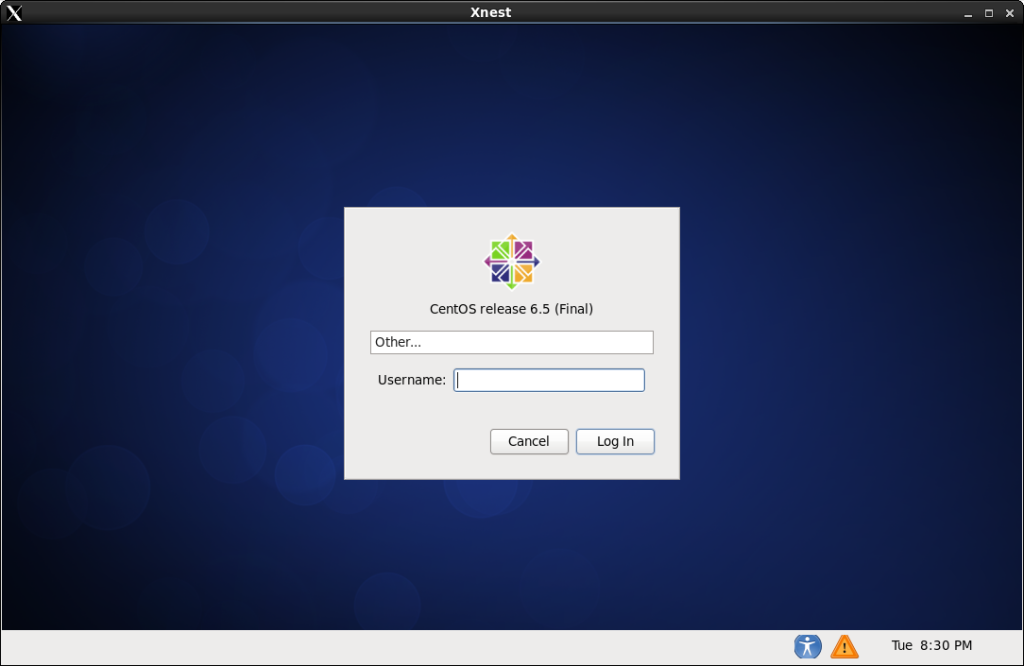
That’s it, you have connected to a Linux Terminal Server from Xnest!
Hosted Linux Servers at www.zwiegnet.com/go