
Install RPM Package on CentOS Linux
this breif tutorial walks the average user through installing a RPM Package on a CentOS Install, the first thing you want to do is login, and download your RPM (if you have not yet already)
from there do a “LS” to see the exact file name.
as you can see in this example it’s webmin-1.580-1.noarch.rpm
to install type:
rpm -i webmin-1.580-1.noarch.rpm
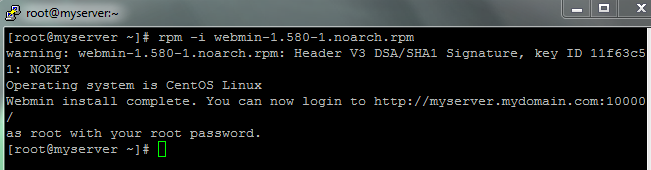
after a little bit of clockwork, it looks like the package installed!
That’s it! Thanks for visiting my blog, to get a professionally hosted Linux Server visit www.zwiegnet.com/go