
Mount a Drive on CentOS Linux
This brief tutorial shows you how to mount, and un-mount media such as a Flash drive, CD/DVD, Hard drive, or pretty much any other local mountable media
to mount a windows share please visit http://blog.zwiegnet.com/linux-server/mounting-windows-share-on-centos/
the first thing you want to do is find out what physical disks are on the system by using the following command:
fdisk -l
(you can also do df -h to show what disks are already mounted) First we need to create the directory we are going to mount to.
mkdir /mnt/Diskname1
from there edit as necessary, but run the following command to mount:
mount /dev/Diskname1 /mnt/Diskname1
That’s it, if should be mounted to /mnt/Diskname1 (should show up like a local folder)
add to startup by typing this command:
vi /etc/fstab
add the drive as necessary
now all we need to do is add the command to startup:
vi /etc/fstab
it should look like so:
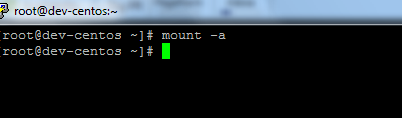
from here there is one final command to run, to mount all filesystems
** Note this will re-mount all filesystems, do in off-hours ****
mount -a
Success! no errors!
to do a final check, do another df -h
To Unmount, using the following:
umount /dev/partitionId