
Install New Domain Controller
Setup a Domain Controller Server 2012
for those who have not been paying attention to power shell, now is the time.The only way to configure server 2012 is either with this goofy window:
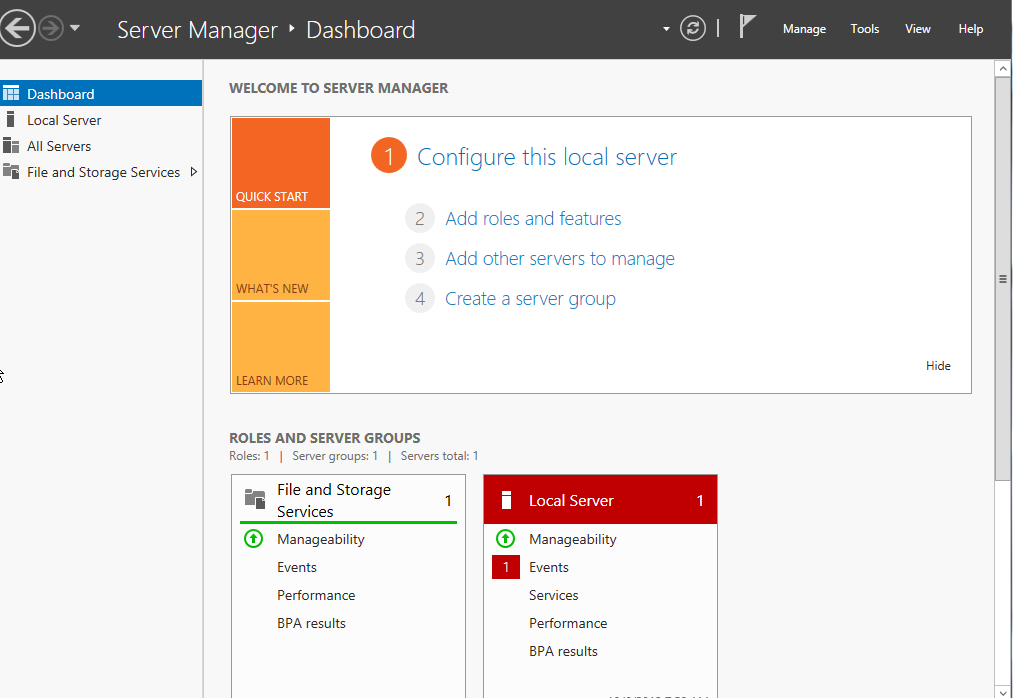
or with powershell. I personally have had it with Microsoft’s changing GUI’s, i wish they would just make up their mind. I have decided i need to just learn powershell that way it’s HOPEFULLY universal for a long time, since it’s the core of the OS.
(By the way does anybody else find it odd that Microsoft took such strides to remove DOS from underneath Windows 98, and now they decided to go back down the “core” road again)
open powershell and type “sconfig”
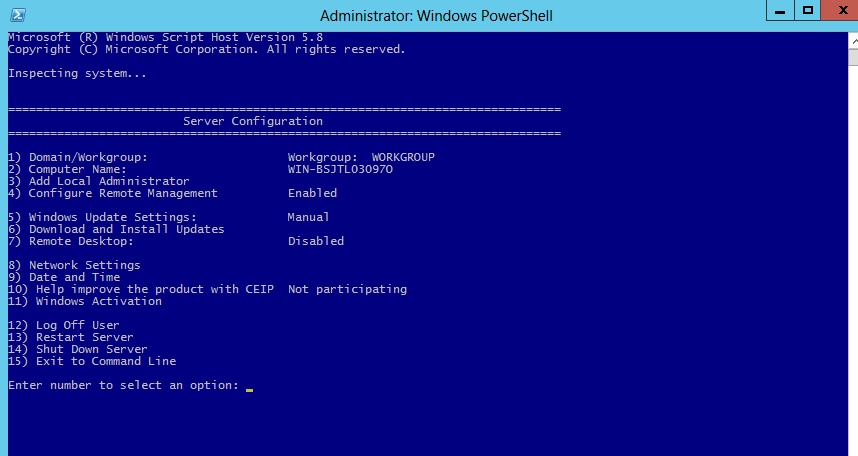
here we can setup the server name, and IP address so we can get the rest going.
configure a static IP, configure DNS (you want to put the IP address of the server as your primary, and something else as your sencondary)
you may also want to evaluate how windows updates apply. 🙂
reboot once renamed so we can proceed to the next step.
now open a powershell window again
enter the following command:
Install-WindowsFeature AD-Domain-Services -IncludeManagementTools
this may take a little bit, this actually does the legacy “dcpromo” command that no longer exists

awesome the installation has completed
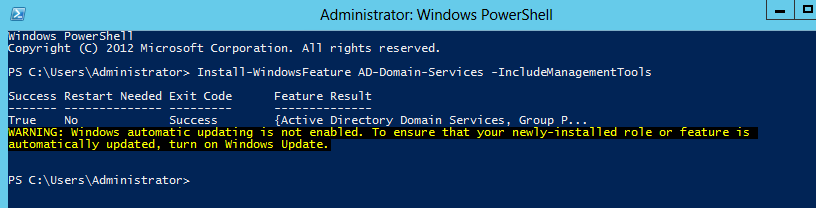
as you can see, we do not need a reboot (wierd huh?)
but wait, it did not ask us for our domain name, etc? How do we add it?
Install-ADDSForest -DomainName corp.contoso.com (or whatever you want for your internal domain name)
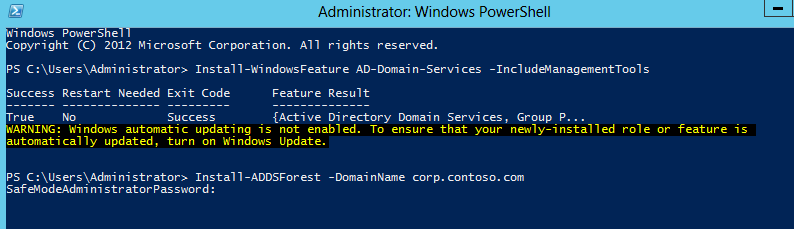
hmm…….look familiar? It wants a password
type in the safe mode password and confirm it
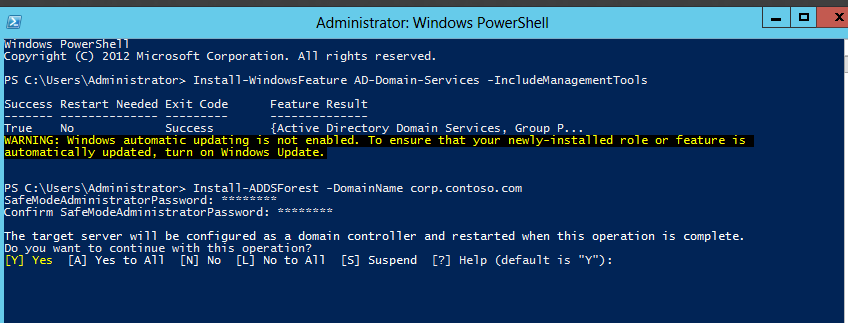
it says it will be configured as a domain controller for that internal domain, and will need a reboot…. i knew that had to be somewhere…
go ahead and hit yes to All
This will take some time…
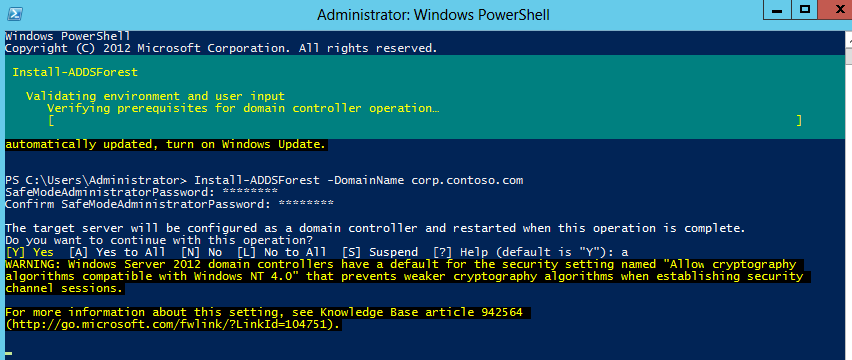
while we wait, let’s evaluate some advantages to using powershell….
1) you can script the creation of a domain controller quickly
2) it will be really easy to create templates for servers if you are only using powershell
3) you are decreasing the amount of updates you have by removing Explorer, and Internet Explorer by over 1/2, patch Tuesday becomes alot easier.
at the top it will tell you the progress that is occuring:
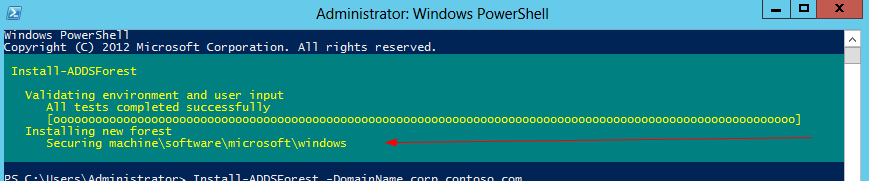
before you know it
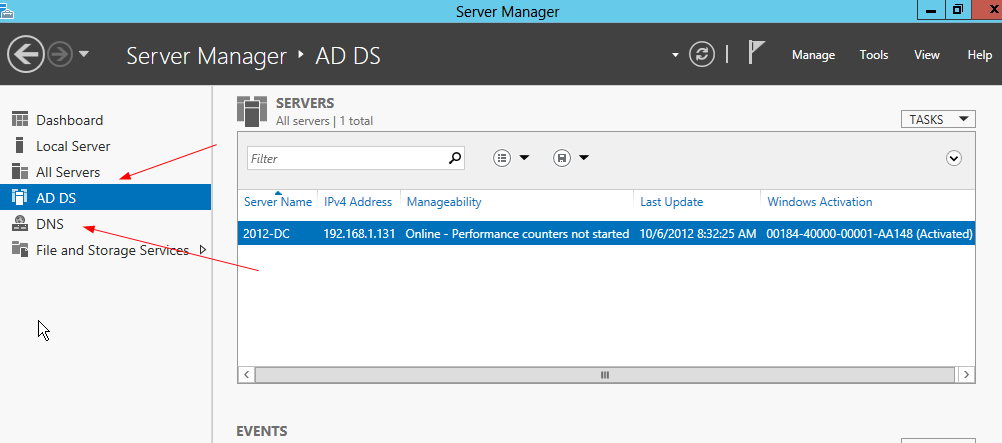
as you know, dns is installed with active directory, DNS is now fully functional as well
as you can see, the directory services and DNS have been installed
to join a computer to this domain, use the following powershell command for other server 2012 servers:
Add-Computer -DomainName corp.contoso.com
again, this could be helpful for scripting new servers.
There’s one final step before puting this server into production, remove the GUI, the reason we want to do this is for updates, and security reasons, and performance boosting.
all we really need to administer the server is the config menu anyways, why not make it so we have more Memory/Processor available?
To disable use the following Powershell command:
Remove-WindowsFeature Server-Gui-Shell, Server-Gui-Mgmt-Infra
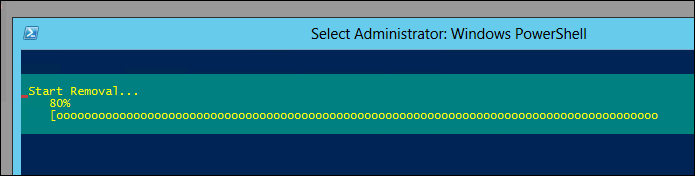
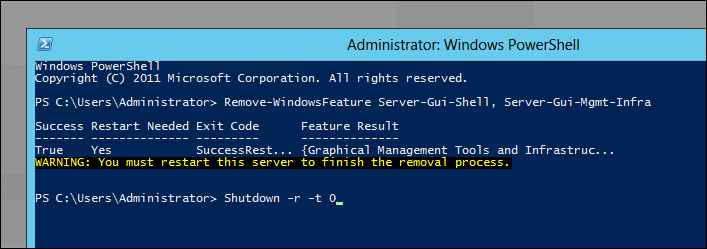
wow that was quick and easy, all with one command.
To do it the slow GUI way, Open Server manager

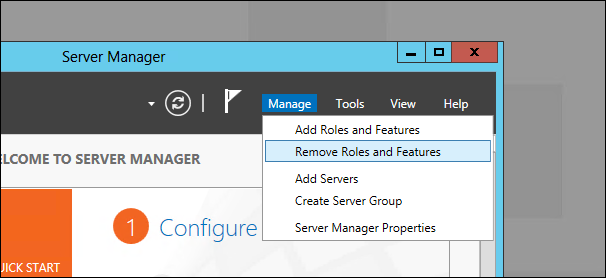
select the role (gui is not a role, skip this step)
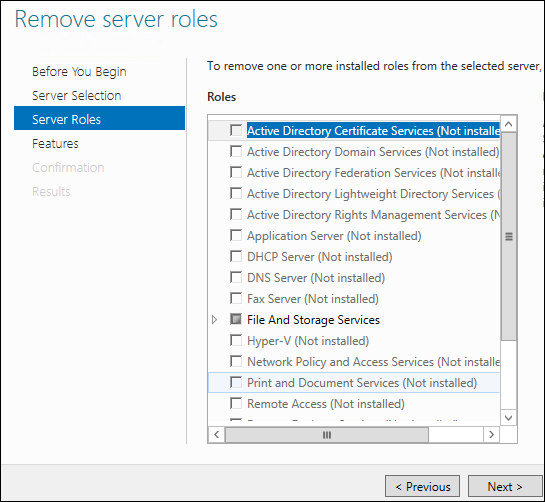
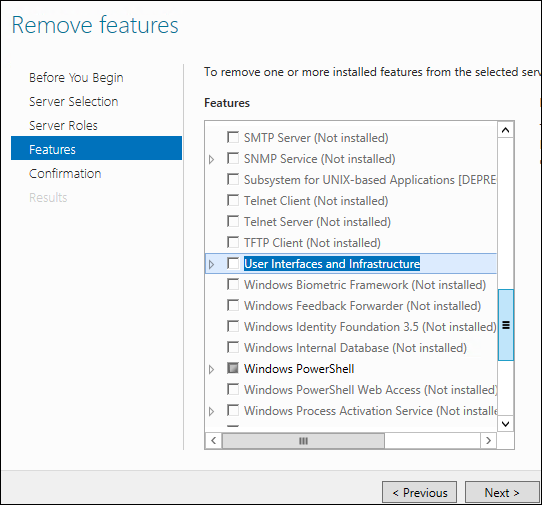
here we want to remove the user interface structure
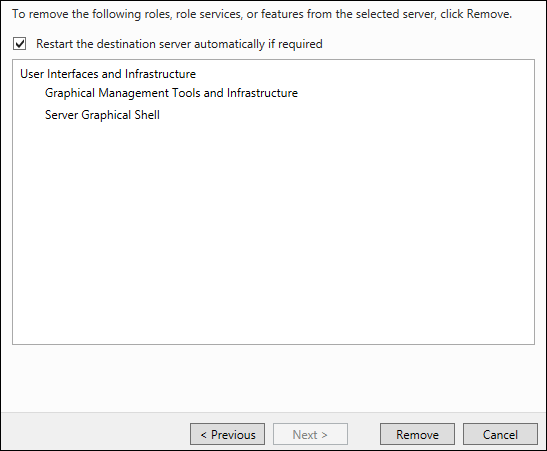
be aware it’s going to reboot once done, you want to do this once before putting into production.
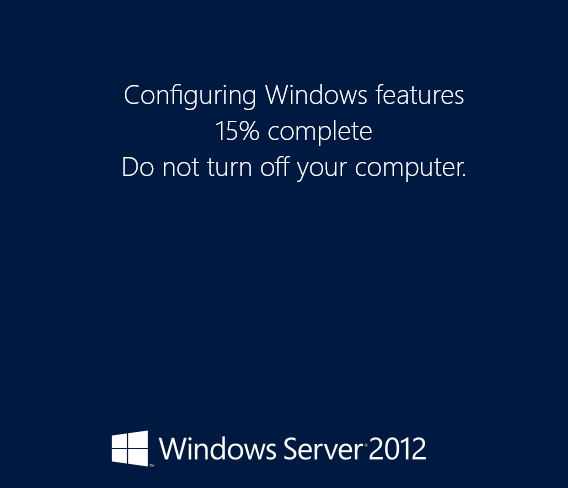
as you can see we have a server core 2012 server running active directory, with no GUI so that it can take full advantage of Memory and CPU Cycles, not to mention adding about 5 more virtual machines to your Hyper-V server with the saved resources.
here’s what you have when you login:
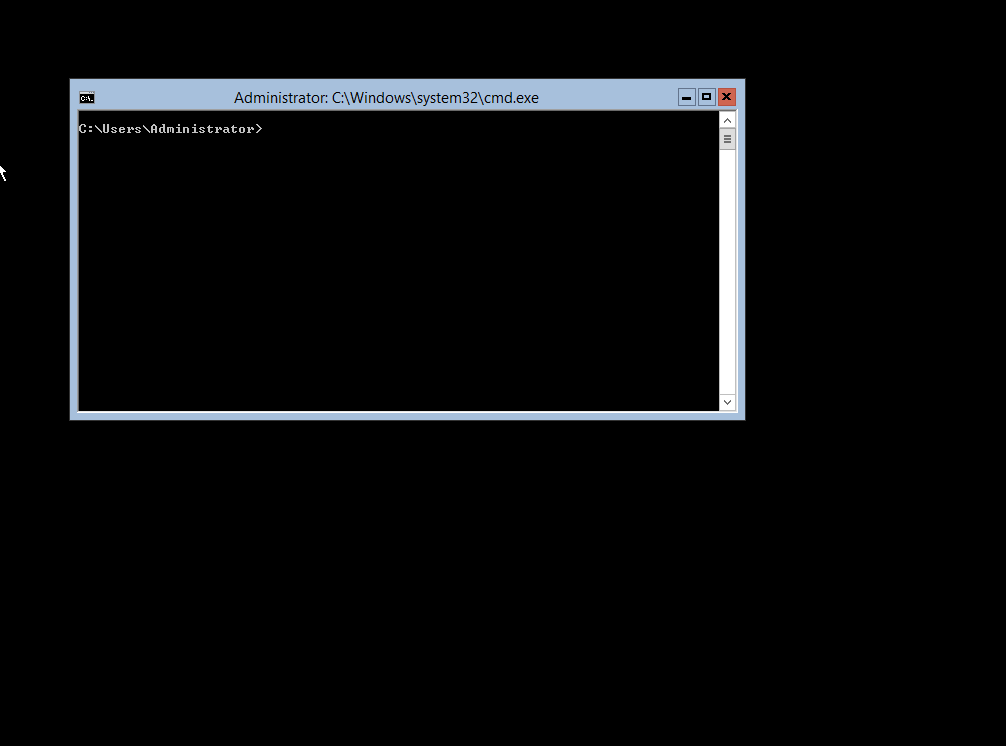
how do i turn the gui back on?
note, that by default you open command line, NOT Powershell, but you can get into powershell by typing: powershell
Add-WindowsFeature Server-Gui-Shell, Server-Gui-Mgmt-Infra
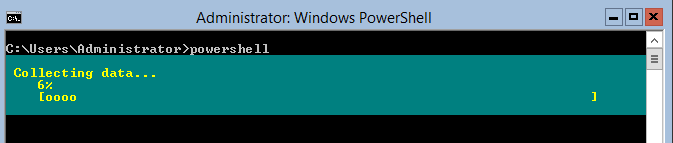
this could take a few minutes.
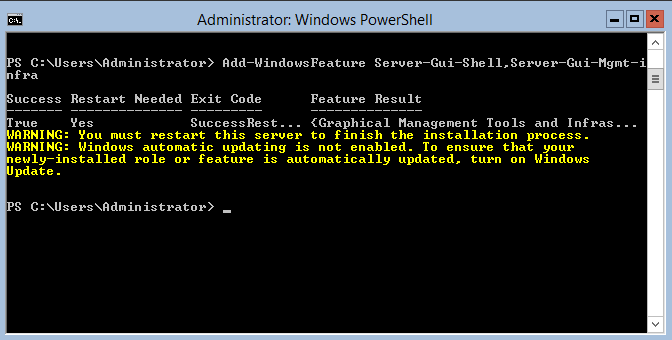
as you can see you need a restart
How do i administer this server?
http://www.microsoft.com/en-us/download/details.aspx?id=28972
one of the best ways to administer is with the remote Administration tools for windows 8, they’re freely available for download.
to get a Windows Server 2012 hosted visit www.zwiegnet.com/go for a managed 2012 server
Related guides: Install Server 2012 Core | Remove Member Domain Controller