Install MySQL on CentOS 6.4

Install MySQL on CentOS 6.4

Install MySQL on CentOS 6.4

su to root
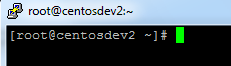
Root shell prompt on CentOS 6

install mysql and mysql-server

Running yum install mysql mysql-server as root to install MySQL on CentOS 6.4

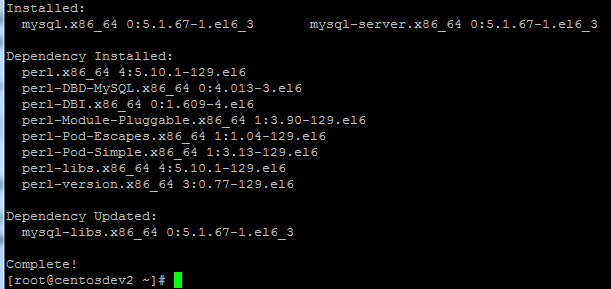
download and install all dependencies
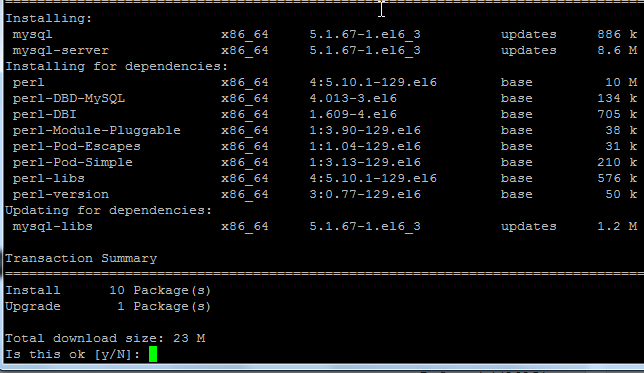
yum listing the MySQL packages and dependencies to install

done

yum finishing the MySQL package installation

start mysql

Running service mysqld start on CentOS 6.4 to start the MySQL server for the first time

as you can see there is some errors, we need to do a secure installation
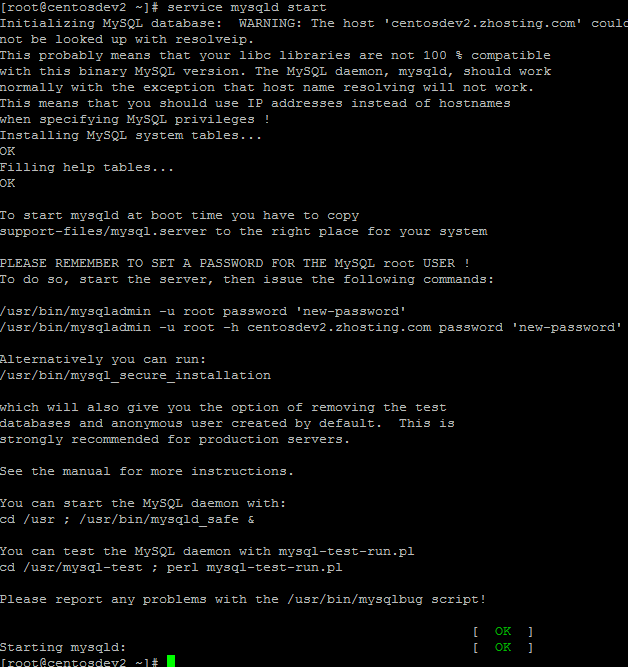
First start of mysqld initializing the database with warnings

set a root password for mysql — Please read all directions carefully
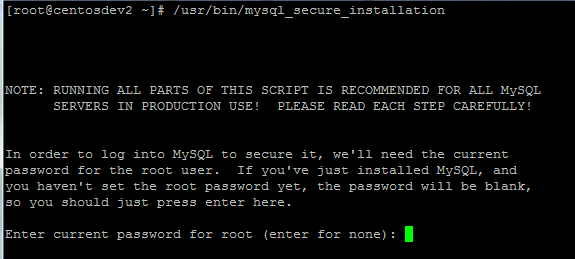
mysql_secure_installation script starting

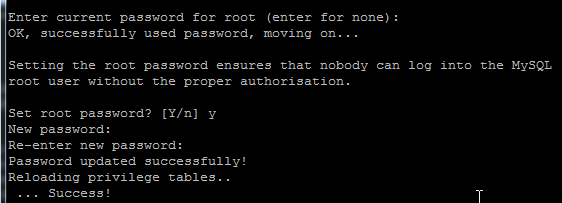
give it a new root password

mysql_secure_installation setting a new MySQL root password

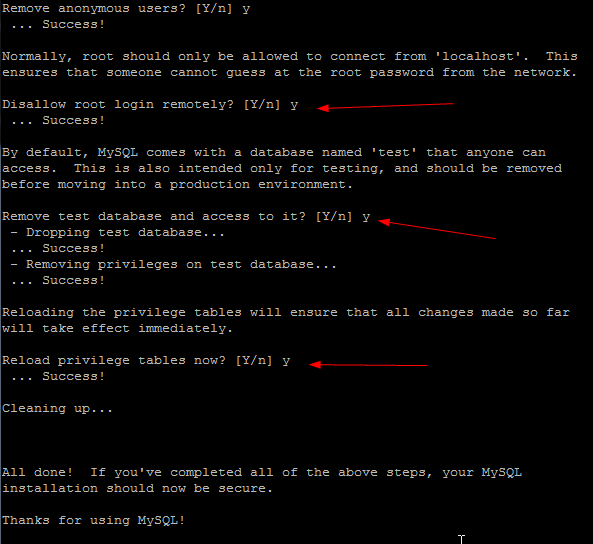
do the following:

mysql_secure_installation removing anonymous users and remote root login

start mysql at startup

chkconfig mysqld on command

That’s it!

To get a professionally managed Linux or MySQL server visit www.zwiegnet.com/go today

Related guides: MySQL Replication CentOS All Databases | Performing a MySQL Upgrade

Leave a Reply

Your email address will not be published. Required fields are marked *