
Mount CIFS/Windows Share on Fedora
Mount CIFS/Windows Share on Fedora
first thing to do is login to a command prompt, and switch to root

do yum install cifs-utils
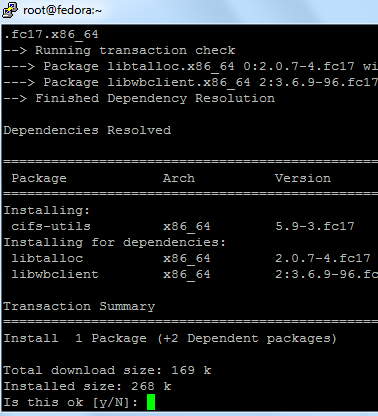
hit yes

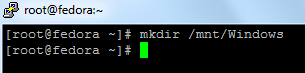
from here we need to make a folder to mount to
mkdir /mnt/Windows
now we need to set to mount on startup
vi /etc/fstab
we are going to mount our windows Archive Share
add this line to the config file:

substitute ipaddress, username/password for an account that would have credentials to that share
save + quit once done (esc and then :wq)
*** CAUTION *** The next command will REMOUNT ALL FILESYSTEMS, do in OFF-BUSINESS HOURS!
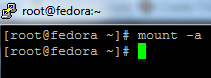
issue the mount -a command
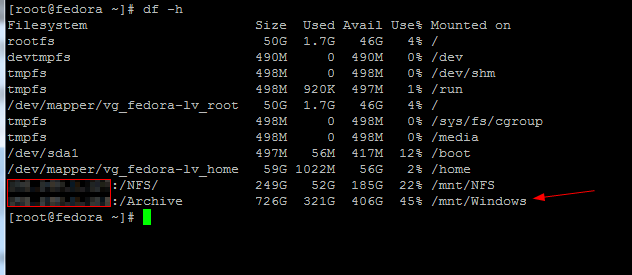
as we can see, our windows share has mounted
cd /mnt/Windows

do a LS, we should be able to see all our files/folders
that’s it!
If you are interested in a hosted Linux server visit www.zwiegnet.com/go to get started today!