
Find Linux Server Uptime
Find Linux Server Uptime
if you have ever needed to check when the last reboot of your Linux server was (if you are like us, it was a while ago)
Login to a terminal session, and type “uptime”
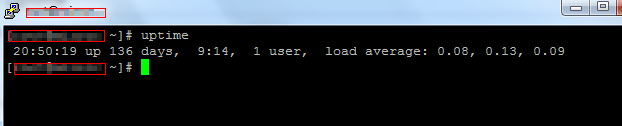
as you can see this Linux Server has not been rebooted in 136 Days, and we don’t expect it to be anytime soon (that’s the beauty of Linux!)
That’s it!
for a Hosted Linux Server visit www.zwiegnet.com/go to get started today!
Related guides: Check Disk I/O Oracle Linux 6 | Find Hard Drive IOPS CentOS